

Scanners and ingest
- Scanner output watched and validated on arrival
- Conversion of vendor formats to DICOM whole slide microscopy objects
- Barcode and accession matching against the LIS


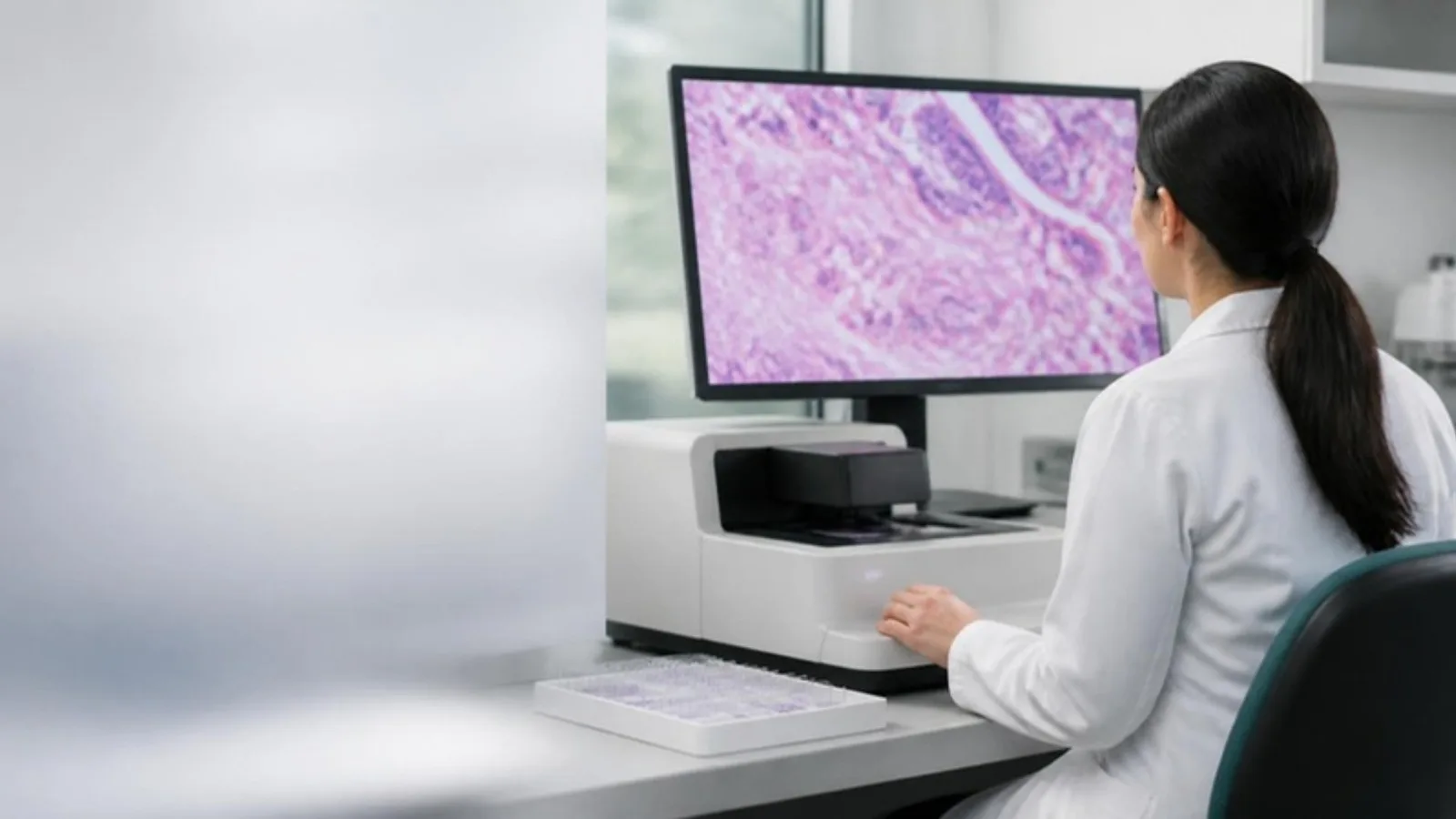
Your lab or product team needs whole slide images stored, viewed and connected to the LIS, and AI that a pathologist still controls. Agnotic Technologies builds digital pathology software: DICOM WSI storage, browser viewers, lab integration and AI with a pathologist in the loop.
Trusted by global innovators











Digital pathology software is the set of systems that scan glass slides into whole slide images, store and manage them in DICOM format, let pathologists view and annotate them, connect the work to the laboratory information system and, increasingly, run AI models with a pathologist in the loop. Agnotic Technologies builds these systems for laboratories and digital health companies.
Whole slide images are large, tiled, multi-resolution files. Most of the engineering is about moving, storing and serving them fast enough for a pathologist to work without waiting, and about fitting the viewer into the case workflow the lab already runs.
Agnotic builds the software; we do not sell scanners or a pathology product. AI tools that could be medical devices are built with your regulatory advisors from the start.
Six capabilities, usually delivered in phases starting with storage and the viewer.
Browser-based viewing of tiled, multi-resolution slides with pan, zoom, annotations, measurements and side-by-side comparison.
Ingest from scanners, conversion to DICOM whole slide microscopy objects, tiered storage, retrieval over DICOMweb and lifecycle rules.
Case and specimen data from the laboratory information system over HL7 v2 or HL7 FHIR, worklists per pathologist and results back to the LIS.
Running tissue detection, quantification or triage models on slides, with results shown as overlays the pathologist reviews, accepts or rejects.
Role-based access, audit logging of every view and change, and encryption, designed around the HIPAA Security Rule safeguards.
Long-term archive, de-identified sharing for research and teaching, and secure external consults.
Reference architecture
Described in layers rather than a diagram so it reads on any screen. Each layer is a separate deployable with its own owner.
FDA context
Where a function sits decides the documentation and validation it needs. Your regulatory advisors make the call and we build the evidence. This is not regulatory advice.
Example: Storing, retrieving and displaying whole slide images for review
Approach: Built as validated infrastructure with audit and performance testing; your advisors confirm whether a device pathway applies to viewing for primary diagnosis
Example: Software that shows a pathologist the basis for a recommendation they can independently review
Approach: Designed against the non-device criteria in FDA's Clinical Decision Support Software guidance, with the basis of each output visible
Example: An algorithm that analyzes slide images to detect or quantify disease and drives the diagnosis
Approach: Built under a quality system with design controls, traceability, validation data and the documentation a submission needs, with your regulatory team
Failure points
Five problems we see in labs and products, and the design decision that prevents each.
Challenge
Slides load too slowly for a pathologist to work, so the viewer is abandoned.
Agnotic approach
Tiled, multi-resolution storage with DICOMweb retrieval and caching, tested against real slide sizes before launch.
Challenge
Every scanner writes its own format and the archive becomes a mix.
Agnotic approach
Conversion to DICOM whole slide microscopy objects on ingest, so the archive has one format and one retrieval API.
Challenge
The viewer is not connected to the LIS, so cases are matched by hand.
Agnotic approach
Accession and barcode matching on ingest and HL7 v2 or HL7 FHIR integration with the laboratory information system.
Challenge
AI results appear in the report without a pathologist review step.
Agnotic approach
Overlays that a pathologist accepts, edits or rejects, with the decision and the model version logged.
Challenge
Regulatory questions came up after the build.
Agnotic approach
The FDA classification question is asked at scoping, and the documentation is produced during the build, not after.
Four steps, with pathologists reviewing working software throughout.
We learn the scanners, the LIS, the case volume and whether AI is in scope, and agree a fixed first release.
ScopeWe shadow the sign-out workflow, measure real slide sizes and map the LIS messages.
DiscoverViewer, storage and integration are built with weekly demos on de-identified slides, reviewed by pathologists.
BuildPerformance, integration and, where needed, model validation are documented before the first live case.
ValidateScope and cost
We do not publish prices. These drivers decide the scope of a first release.
Each vendor format adds conversion and validation work.
Storage tiers, retrieval performance and archive rules scale with volume.
Each interface adds mapping, testing and go-live work.
Model integration, the review workflow and validation evidence add scope beyond the viewer.
A device software function needs design controls and documentation that a viewer does not.
De-identification and external sharing add a pipeline and consent handling.
Related services
Imaging, integration and AI services that share patterns with pathology work.
Radiology imaging platforms that share storage and viewer patterns with pathology.
DICOM and DICOMweb interfaces for storing and retrieving images.
HL7 v2 and HL7 FHIR interfaces to laboratory information systems.
AI models for imaging with a clinician in the loop.
Who it is for
The first release looks different for each.
Moving from glass to digital sign-out with a viewer connected to the LIS.
A platform for a pathology AI product, with review workflow and validation evidence.
Archives, de-identified sharing and annotation tools for research and teaching.
Pathology imaging alongside radiology PACS, under one identity and audit model.
Short facts we design around, each linked to its primary source.
DICOM is the international standard for medical images and related information, maintained by NEMA and also published as ISO 12052.
Source: DICOM Standard (NEMA)The DICOM VL Whole Slide Microscopy Image IOD (DICOM PS3.3, section A.32.8, added by Supplement 145) specifies a multi-frame visible light whole slide microscopy image divided into a set of tiles.
Source: DICOM PS3.3, A.32.8 VL Whole Slide Microscopy Image IODFDA's guidance on device software functions focuses oversight on software that meets the definition of a medical device and could put patient safety at risk if it does not work as intended.
Source: FDA, Policy for Device Software Functions and Mobile Medical Applications (2022)FDA's Clinical Decision Support Software guidance explains which decision support functions meet the non-device criteria in section 520(o)(1)(E) of the FD&C Act and which remain device software functions.
Source: FDA guidance, Clinical Decision Support SoftwareThe HIPAA Security Rule requires administrative, physical and technical safeguards for electronic protected health information.
Source: 45 CFR Part 164 Subpart C (eCFR)
Health Insurance Portability and Accountability Act
Protect PHI with privacy-first architecture, encrypted storage and transmission, strict access controls, and traceable audit logs.

General Data Protection Regulation
Implement lawful consent flows, data minimization, retention controls, and secure processing for sensitive health data.

Fast Healthcare Interoperability Resources
Enable standardized health data exchange across apps, care teams, and systems through standards-based FHIR APIs.

Health Level Seven International
Support enterprise-grade interoperability with HL7-based integrations for records, events, and clinical messaging workflows.

Health Information Trust Alliance
Align security programs to healthcare-specific control and risk management practices trusted by providers and ecosystem partners.

Health Information Technology for Economic and Clinical Health Act
Design with breach notification readiness, digital record safeguards, and operational controls that support regulated care programs.

FDA Software as a Medical Device
Plan software quality, traceability, and documentation pathways for products that may require SaMD review and submission.

Medical Device Regulation (European Union)
Prepare EU market-ready processes for risk classification, evidence tracking, and lifecycle governance under MDR expectations.

Substance Abuse and Mental Health Services Administration
Apply confidentiality controls and consent-aware sharing models for behavioral and mental health data experiences.