

01
Completeness
Example: Placeholder text, broken links, or a login with no demo account for the reviewer
Approach: A pass through every screen with live backend services, and a working demo account or demo mode.


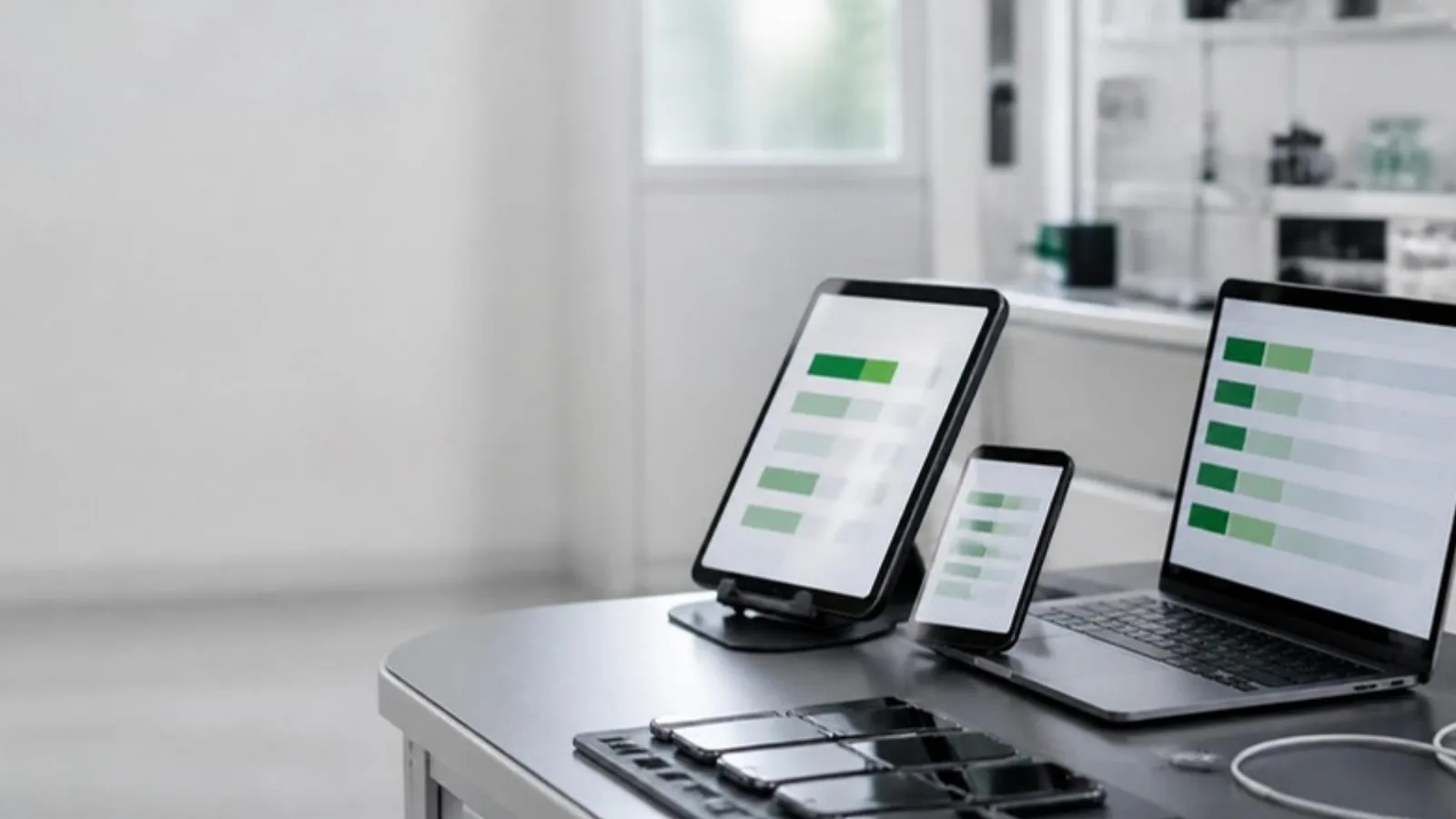
An app that passes every test on a simulator can still crash on the phones your users carry, lose a form when a call comes in or fail store review. Agnotic Technologies tests iOS and Android apps on the devices, conditions and release tracks that decide how each store release goes.
Trusted by global innovators











Mobile app QA
Mobile app quality assurance testing services check an iOS or Android app on the devices, OS versions and conditions its users really have, before each store release. Agnotic Technologies runs this testing for the client: a device matrix from the app's own analytics, interruption and network tests, accessibility checks, beta tracks and store review checks.
Mobile adds failure causes a web app never meets: many device models, OS versions users do not update, permission prompts, a phone call in the middle of a payment and a train going into a tunnel.
Automation frameworks, mobile security tests and usability studies with participants have their own pages, linked at the end. This page covers the device and release side of mobile quality.
Device matrix
A device list copied from a popularity chart tests someone else's users. We build the matrix from yours.
Devices, OS versions, screen sizes and locales from your analytics and crash reports, weighted by active users and by revenue where you track it.
The oldest iOS and Android versions you will support, written down, so testers know what is in scope and support teams know what to tell users.
The smallest and largest screens, the lowest memory devices still in use, tablets or foldables if you support them, and the Android manufacturer builds your users favour.
A small core set tested on every build, a wider set before each release and the long tail through a device cloud.
We update the matrix when a major OS version ships and on a schedule agreed with you, using fresh analytics each time.
Each condition runs against the flows that matter most: sign-in, payment, forms and anything that writes data.
Offline mode, slow and lossy connections, and a switch between Wi-Fi and cellular mid-request. Data must not be lost or sent twice.
Incoming calls, notifications, the app switcher and the lock screen in the middle of a flow, then a return to the same state.
Camera, location, notifications and contacts refused, allowed once or revoked later in settings, with a clear way to carry on.
The OS ends the app in the background to free memory. On return, the user's place and unsaved input should come back.
Dark mode, the largest text sizes, display zoom, right-to-left languages and rotation, with no clipped or overlapping text.
Low battery and power saving modes, low storage, and an app update installed over an older version with existing data.
Device strategy table
Each option finds different defects. We combine them and place each one where it pays off in the release cycle.
| Option | What it catches | What it misses | Cost drivers | When it runs |
|---|---|---|---|---|
| Emulators and simulators | Layout across screen sizes, app logic, OS version differences and most functional flows | Real camera, sensors, Bluetooth, push delivery, true performance and battery behavior | Build machine capacity and CI time | Every build, in CI |
| Real devices | Camera, biometrics, sensors, push notifications, Bluetooth, real performance and manufacturer Android changes | Models that are not on the bench | How many models are kept, and replacing them as new phones ship | Every release candidate, plus exploratory testing |
| Device cloud | The long tail of models and OS versions your analytics show | Some hardware features, carrier and location effects | Device minutes, parallel sessions and the plan your team chooses | Before release, and when a defect appears on one model |
| Beta testers | Real networks, real accounts and real habits | Anything that needs a controlled, repeatable test | Recruiting and managing testers | After internal testing, before full rollout |
Cost drivers are named, not priced: the right mix depends on your device matrix and how often you release.
Accessibility
Scanners catch part of the problem. These checks are made by a tester using the screen reader on a real device, against the WCAG 2.2 success criteria.
Each step widens the audience only after the last one is clean.
The build goes to the team through TestFlight internal testing and the Google Play internal testing track, for a first check on real devices.
InternalA wider group of invited testers on TestFlight external testing or a Google Play closed track. The first external TestFlight build needs App Review approval.
BetaThe release goes to a small share of users first while crash and ANR rates are watched, and is paused if they rise.
RolloutEveryone else gets the update once the staged group shows no new crash clusters or support issues.
ReleaseStore review
A rejection costs a release date. These checks run on the release candidate before it is submitted.
Example: Placeholder text, broken links, or a login with no demo account for the reviewer
Approach: A pass through every screen with live backend services, and a working demo account or demo mode.
Example: An SDK sends data that the App Store privacy label or the Google Play data safety form does not declare
Approach: Compare what the app and its SDKs actually send with what each store listing says, before every submission.
Example: A camera or location request with no clear purpose text, or asked before the user needs it
Approach: Check each purpose string, the timing of each request and what happens when the user says no.
Example: A crash on launch on the oldest supported OS version
Approach: Launch and core flow tests on the oldest and newest supported versions, on real devices.
Example: A purchase that cannot be restored, or unclear subscription terms
Approach: Sandbox purchase, restore and cancel tests on both stores.
Example: An app that lets people create an account but not delete it in the app
Approach: Test account creation, sign-in options and in-app deletion against the current store rules.
Testing does not stop at release. We watch crash reports and, on Android, the core vitals Google Play reports, including the user-perceived crash and ANR rates that affect how visible the app is on the store.
New crash clusters are grouped by device, OS version and app version, reproduced on a matching device and turned into tests, so the same crash is caught before the next release.
When Apple or Google publishes a beta of a major OS version, we run the core matrix on it before public release, so changes to permissions or background limits do not reach your users first.
Apps we test
iOS and Android apps where a bad release costs users, revenue or trust.
Apps with a wide spread of devices and OS versions, where store ratings follow every release.
Sensitive data, permission prompts and wearable sync, tested on the phones patients and members actually use.
Interruptions, network loss and background kills in the middle of a payment, with no double charges.
Offline work, managed devices and long shifts on older hardware.
An outside check of devices, conditions and store readiness before a major release.
A small core matrix, the main mobile conditions and beta tracks set up before the first launch.
Scope
We do not publish prices. Mobile app testing cost depends on these drivers, sized on the scoping call.
Native iOS, native Android or a cross-platform app, and whether tablets are in scope.
How many devices and OS versions sit in the core, wider and long-tail tiers.
How often you ship, which sets how often each tier runs.
Camera, Bluetooth, NFC, location and sensors, which need real devices.
Which flows get full VoiceOver and TalkBack passes in each release.
Locales, right-to-left languages and regional store listings to check.
Guidelines
The store, platform and accessibility rules behind the checks on this page.
Store and platform rules that shape mobile release testing, each linked to the vendor's own documentation.
Apple's App Review Guidelines ask that submissions be final versions with placeholder content removed, that the app be tested on-device for bugs and stability, and that demo account details be included when the app has a login.
Source: Apple App Review Guidelines, 2.1 App CompletenessUnder Apple's App Review Guidelines, an app that supports account creation must also offer account deletion within the app.
Source: Apple App Review Guidelines, 5.1.1(v) Account Sign-InTestFlight lets a team invite up to 100 internal testers and up to 10,000 external testers, and the first build shared with external testers must be approved by App Review.
Source: Apple Developer: TestFlightGoogle Play Console offers internal, closed and open testing tracks before production; an internal test can reach up to 100 testers, and personal developer accounts created after 13 November 2023 must meet extra testing requirements before release.
Source: Play Console Help: Set up an open, closed or internal testAndroid vitals tracks core vitals including the user-perceived crash rate and user-perceived ANR rate, and Google states that an app's core vitals affect its visibility on Google Play.
Source: Android Developers: Android vitals