

01
Hash
Example: A large fact table joined to customers on customer_id
Approach: Hash on a column with many unique values, few nulls and a role in joins. Never hash on the date most queries filter by, or one distribution does all the work.


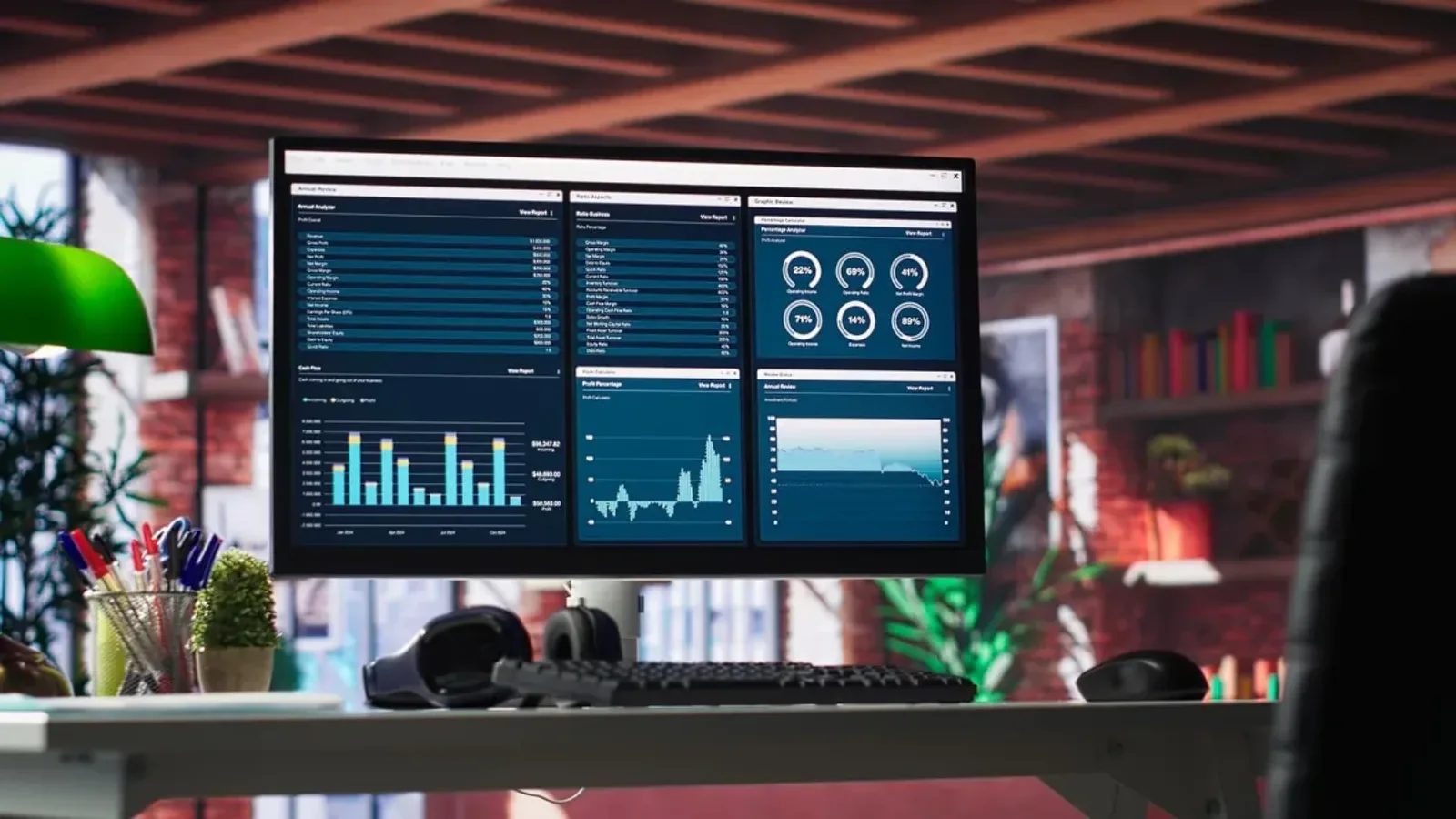
One Synapse workspace holds several engines, and using the wrong one for a job is where slow queries and surprise bills begin. Agnotic Technologies designs dedicated SQL pool tables, serverless queries over your lake, Spark pools and pipelines, and plans a move to Microsoft Fabric when you choose one.
Trusted by global innovators











Synapse consulting
Azure Synapse Analytics consulting is designing, tuning and moving the analytics workloads in a Synapse workspace. Agnotic Technologies chooses between dedicated and serverless SQL pools, designs table distributions and columnstore indexes, builds Spark pools and pipelines, sets workload management and pause schedules, and plans a move to Microsoft Fabric when that is your direction.
We work on new workspaces, on warehouses moving into Synapse from on-premises SQL Server, and on existing pools that slowed down or cost more each month.
Moving applications and their operational SQL Server databases to Azure is a separate job, covered by our Azure migration services. Semantic models and report migration sit with our business intelligence work.
Component map
The map we use in assessments: what each part of a workspace is for, the design mistake we see most often, and where it lands if you later move to Microsoft Fabric.
| Component | Use it for | Common design mistake | Fabric counterpart |
|---|---|---|---|
| Dedicated SQL pool | Heavy, repeated warehouse queries on modeled star schemas | Large fact tables left round-robin and joined on a key, so every join moves rows | Fabric Data Warehouse |
| Serverless SQL pool | Ad hoc T-SQL and views over Parquet, Delta Lake and CSV files in the lake | Querying raw CSV or thousands of small files, which raises the data processed per query | SQL analytics endpoint of a Fabric lakehouse |
| Apache Spark pool | Data preparation, notebooks and machine learning on lake data | Clusters sized for the biggest job and left running between runs | Fabric Data Engineering with Spark notebooks |
| Synapse pipelines | Orchestration and copy activities, on the same model as Azure Data Factory | Copying whole tables every night instead of loading only changed rows | Data Factory in Fabric |
| Synapse Link | Near real-time copies of operational data for analytics without hand-built ETL | Starting new Synapse Link for Cosmos DB work, which Microsoft no longer supports for new projects | Mirroring in Fabric |
The Fabric column is a planning guide, not a feature match. Microsoft's migration documentation lists the data types and T-SQL that change, and we check each one against your code.
Table design
Every table in a dedicated SQL pool is spread across distributions, so this choice decides how much data moves on each query.
Example: A large fact table joined to customers on customer_id
Approach: Hash on a column with many unique values, few nulls and a role in joins. Never hash on the date most queries filter by, or one distribution does all the work.
Example: A staging table loaded and then transformed
Approach: Round-robin for fast loads when no key is obvious. Avoid it for large tables that are joined later, because each join moves rows.
Example: A small product or region dimension used in many joins
Approach: A full copy on each compute node, so joins need no data movement. Keep it for small tables that change rarely.
Example: Large fact tables read a few columns at a time
Approach: The usual index for large tables. Load in large batches so rowgroups compress well, and rebuild after heavy trickle loads.
Example: A transient load table emptied after each run
Approach: No index for the fastest landing, then one insert into the columnstore target table.
Failure points
Challenge
Joins shuffle large amounts of data between distributions on every run.
Agnotic approach
Align hash keys on the biggest join, and look for shuffle and broadcast move steps in the query's request steps.
Challenge
One distribution holds far more rows than the others, so one node does most of the work.
Agnotic approach
Check skew with DBCC PDW_SHOWSPACEUSED and move to a distribution column with more distinct values.
Challenge
Dashboards queue behind nightly loads.
Agnotic approach
Workload groups and classifiers give report queries reserved resources and higher importance, and cap what loads can take.
Challenge
Serverless SQL costs grow as more people query raw CSV files.
Agnotic approach
Convert busy data to Parquet or Delta Lake, partition folders by date and filter on the path, so each query reads fewer files.
Challenge
A dedicated pool runs all night and all weekend with no queries.
Agnotic approach
Pause it on a schedule and resume before the first load, after checking which jobs and users depend on it.
Cost controls
Synapse to Fabric
We follow the stages in Microsoft's migration guidance and keep Synapse running until the new warehouse has matched it.
List tables, views, stored procedures, pipelines, security roles and every report or tool that connects. Decide what moves as it is and what gets redesigned.
Map data types, for example splitting datetimeoffset values into a datetime2 column plus an offset column, and rewrite T-SQL the target does not support.
Load both warehouses, compare row counts and totals, and test reports and query tools against the new one before anyone switches.
Move reports and other consumers, scale the dedicated pool down, then pause or remove it once nothing reads from it.
Data and users grew faster than the table design. We redistribute, re-index and separate workloads.
Schema and loads moved into a dedicated pool or straight to Fabric, with a parallel run before reports switch.
Serverless SQL views over Parquet and Delta Lake, so analysts query the lake without a loaded warehouse.
Azure Synapse Analytics for startups often means serverless SQL first, paying for data processed, and a dedicated pool only once queries are steady.
An assessment of what a move changes in their code, data types and pipelines before they commit.
References
Behaviors and guidance from Microsoft Learn that shape our Synapse designs and migration plans.
A distributed table in a Synapse dedicated SQL pool appears as one table, but its rows are stored across 60 distributions using a hash or round-robin algorithm; small tables can instead be replicated to every compute node.
Source: Microsoft Learn: designing distributed tables in dedicated SQL poolServerless SQL pool in Azure Synapse queries Parquet, Delta Lake and delimited text files in the data lake with T-SQL, and charges only for the data processed by the queries you run.
Source: Microsoft Learn: serverless SQL pool in Azure Synapse AnalyticsA paused dedicated SQL pool is not charged for compute resources, but storage charges continue while it is paused.
Source: Microsoft Learn: pause and resume compute in dedicated SQL poolMicrosoft's dedicated SQL pool documentation advises teams new to data warehousing to start with Fabric Data Warehouse, and says existing dedicated SQL pool workloads can upgrade to Fabric.
Source: Microsoft Learn: designing distributed tables in dedicated SQL poolFabric Data Warehouse does not currently support the datetimeoffset data type, so a migration from a Synapse dedicated SQL pool must move the time zone offset into a separate column.
Source: Microsoft Learn: migration planning from Synapse dedicated SQL pools to Fabric Data WarehouseScope
We do not quote Synapse or Fabric capacity prices. Scope depends on these factors.
Large T-SQL code bases take most of the effort in redesigns and migrations.
Each source and pipeline needs retesting after a redistribution or a move.
The largest tables decide how long redistribution, reloads and parallel runs take.
Every report, notebook and application that connects needs testing and repointing.
Row-level and column-level security, Microsoft Entra ID groups and private endpoints carried across.
Tuning in place, a move into Synapse, or a move from Synapse to Fabric.