

Inventory
- Hardware model, serial and warranty
- Operating system and patch level
- Installed software and versions


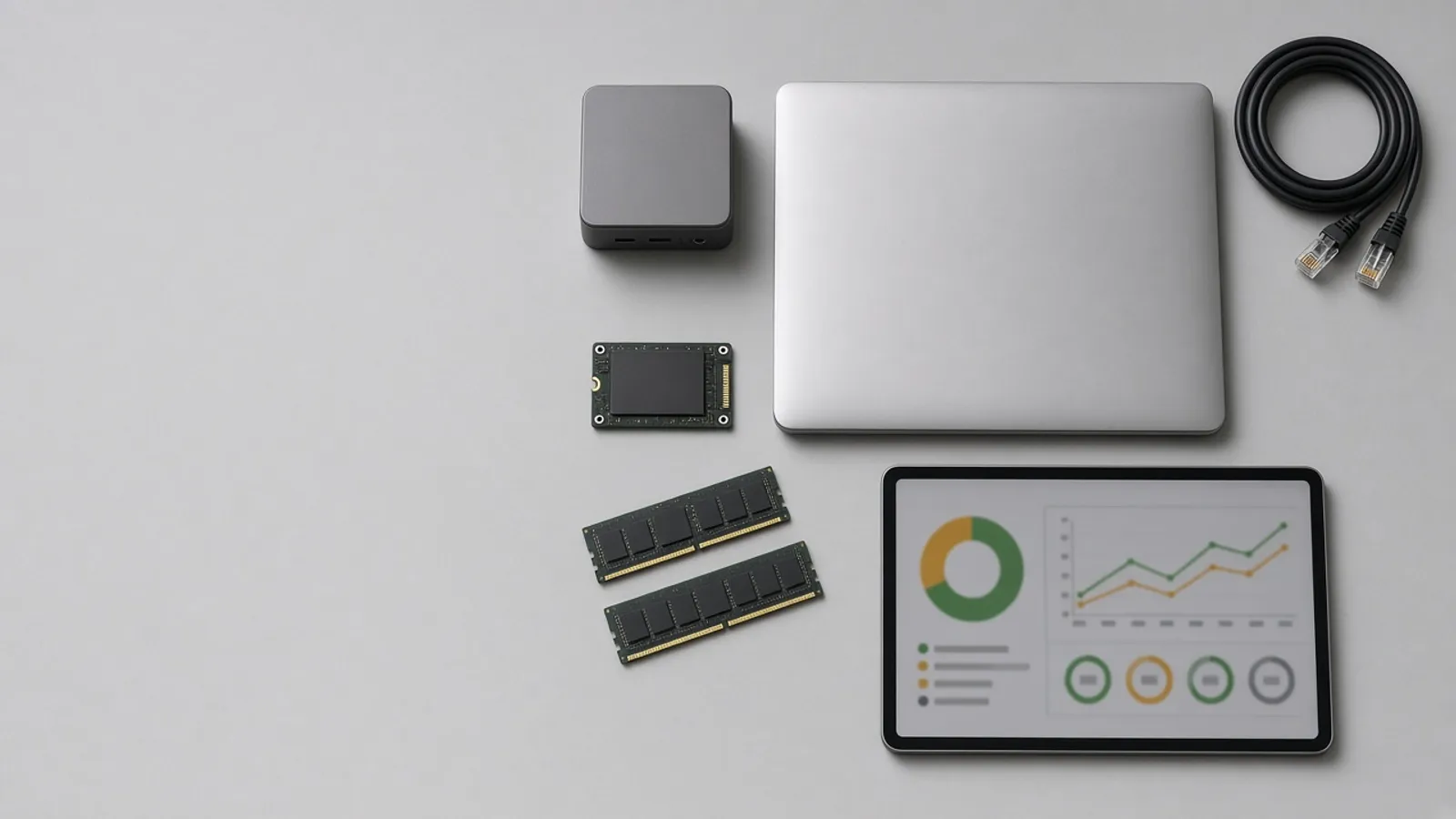
Off-the-shelf remote tools give a vendor's cloud a path into every machine, and they rarely fit your own rules for who may do what. Agnotic Technologies builds your own device agent and console: remote access, file transfer both ways, scripted fixes, role-based permissions with approvals for risky actions, and warnings before hardware fails.
Trusted by global innovators







Yes. Agnotic Technologies builds remote device management agent software for your company: a small service installed on each Windows, macOS or Linux desktop and server, a console your IT team signs in to, and a server you host. The agent reports inventory and health, runs approved scripts, opens remote sessions and moves files in both directions, all over encrypted connections that the device starts, so no inbound ports are opened. Every action is checked against role-based permissions, risky actions wait for an approver, and everything is logged. You own the code, the hosting and the data, instead of renting access from a vendor's cloud.
Remote session
Yes. Remote sessions and file transfers run through a relay server in your own cloud or data center, under your sign-in, your permissions and your logs. This is how a session we build runs.
A technician signs in with your identity provider and asks for a session on a device.
The console checks the technician's role for that device group, and asks the user or an approver where your rules require it.
The agent opens an outbound encrypted connection to your relay, so the device needs no open inbound port.
Screen view, shell or command access, depending on what the role allows.
Files move to or from the device, with size and type limits, and each file is hashed and logged.
The session ends with a record of who connected, what ran and which files moved.
Action controls
Give every action a risk tier, allow each role only the tiers it needs, and make the agent itself refuse anything outside its signed policy, so a restart or shutdown cannot happen without the right person approving it. This is the control table we set up with your IT lead.
| Action tier | Examples | Control we build |
|---|---|---|
| Observe | Inventory, disk and memory use, event logs, installed software | Any IT role, logged |
| Routine fix | Clear a print queue, restart a service, install an approved package | Named roles, from an approved script library only |
| Disruptive | Restart a desktop, end a user's session, push an update | Notify the user, or schedule in a maintenance window |
| High risk | Restart or shut down a server, stop a database, change firewall rules | Second-person approval, a stated reason and a recorded window |
| Not allowed | Wipe a disk, disable the agent, change the agent's own policy | No command exists in the agent, so no role can run it |
AI features follow the same table. An AI assistant can suggest a fix or draft a script, but it runs with the permissions of the person using it, and high-risk actions still need an approver.
Failure warnings
Often, yes, for failures that show early signs. The agent collects health signals such as disk self-monitoring (S.M.A.R.T.) attributes, temperatures, memory and disk errors in the event logs, and battery health, and a model trained on your own fleet's history flags devices whose signals look like earlier failures. Agnotic Technologies builds it so a warning opens a ticket with the evidence, not just an alert.
Not every failure gives warning. A power supply or a board can fail without any signal, so warnings reduce surprises rather than remove them, and the model is retested as your hardware changes.
Agent data
Data the console uses for inventory, support and warnings. You decide what is collected.
The agent, the console and the server, handed over as code you own.
A small service for Windows, macOS and Linux that connects outbound only.
Device inventory, groups, health and history for your IT team.
Screen and shell access through your own relay server.
Files both ways with limits, hashes and a log of every transfer.
Roles by device group and action tier, linked to your identity provider.
Second-person approval for high-risk actions, with reasons and windows.
Models trained on your fleet's history that flag devices likely to fail.
Every session, command, transfer and approval, stored where you choose.
Failure points
Risks we design out of the agent and console.
Challenge
Every technician is effectively an administrator.
Agnotic approach
Roles limit each person to the device groups and action tiers they need.
Challenge
The agent will run any command it is sent.
Agnotic approach
The agent accepts only commands from its signed policy and script library.
Challenge
Devices are reached through open inbound ports.
Agnotic approach
Agents connect outbound to your relay over encrypted connections.
Challenge
Nobody knows which files left a server.
Agnotic approach
Every transfer is hashed and logged with who moved it.
Challenge
Agent updates break machines across the fleet.
Agnotic approach
Updates roll out in rings, starting with test devices.
Related builds
Permissions, identity and AI tool access shared with the rest of your systems.
How we design roles, separation of duties and break-glass access.
Sign-in, MFA and single sign-on for the console and the relay.
Read-only device data exposed to AI assistants as scoped, logged tools.
NIST controls for least privilege and remote access, and the role-based access control standard, each linked to NIST.
NIST SP 800-53 Rev. 5 control AC-6, Least Privilege, calls for allowing only the authorized accesses for users, or processes acting on behalf of users, that are necessary to accomplish assigned organizational tasks.
Source: NIST SP 800-53 Rev. 5, control AC-6Control enhancement AC-6(10) in NIST SP 800-53 Rev. 5 asks systems to prevent non-privileged users from executing privileged functions.
Source: NIST SP 800-53 Rev. 5, control AC-6(10)NIST SP 800-53 Rev. 5 control AC-17, Remote Access, asks organizations to document usage restrictions, connection requirements and implementation guidance for each type of remote access allowed, and to authorize each type of remote access before allowing such connections.
Source: NIST SP 800-53 Rev. 5, control AC-17NIST's model for role-based access control was adopted as American National Standard 359-2004 by ANSI/INCITS in February 2004, and revised as INCITS 359-2012 in 2012.
Source: NIST CSRC, Role Based Access Control projectStandards
Who it is for
Teams with rules or networks that rented remote tools do not fit.
Your own branded console and agent across client fleets.
Shop-floor PCs and servers reached without opening inbound ports.
Access, logs and data kept inside your own environment.
Desktops and servers across offices, with clear approval rules.
Scope
We do not publish prices. These are the drivers we size on the scoping call.
Windows, macOS, Linux and server editions in the first release.
Inventory, scripts, remote sessions, file transfer and warnings.
Roles, device groups, action tiers and approvals.
Your identity provider and MFA setup.
Relay and server in your cloud account or data center.
Past failure and ticket data available to train warnings.
We start with inventory and permissions, then add remote control.
We review your fleet, current tools, access rules and the actions you want controlled.
ScopeA fixed-scope first release: agent, console, inventory, approved scripts, roles and the audit log on a pilot group.
BuildRemote sessions, file transfer, approvals and failure warnings across the fleet, with support after launch.
Scale