

Data
- Tables, keys and relationships
- Linked tables and their sources
- Data quality issues to fix in the move


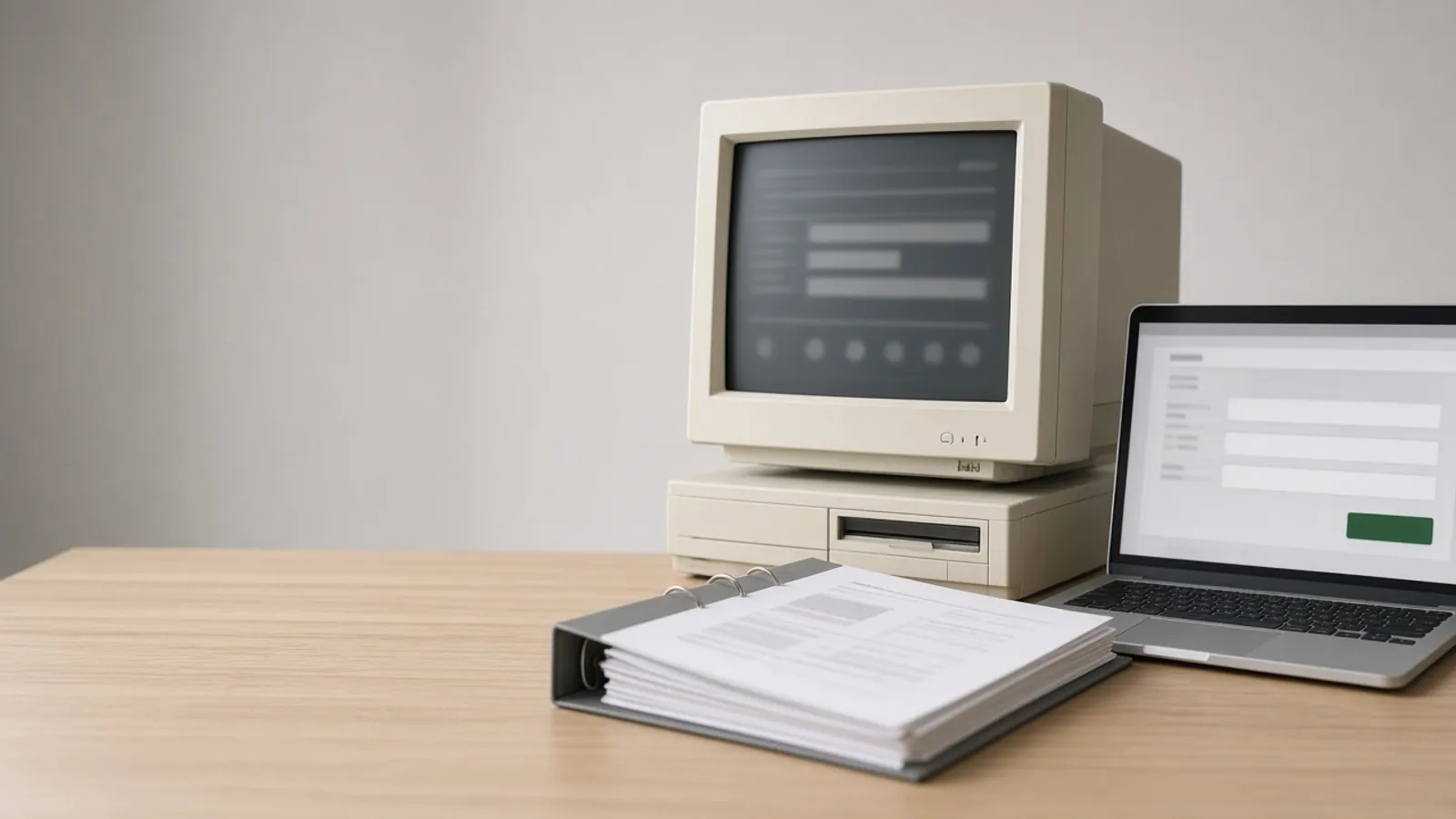
The Access database that runs orders, jobs or records lives on a shared drive, slows down as more people open it and only works on Windows desktops with Access installed. Agnotic Technologies moves it to a web app: your data in SQL Server or Azure SQL, your forms and reports rebuilt as browser screens, and your VBA rules rewritten as tested code.
Trusted by global innovators









Replace a Microsoft Access database with a web app in three moves: put the tables in a server database such as SQL Server or Azure SQL, rebuild the forms and reports as browser screens, and rewrite the queries, macros and VBA that hold business rules as tested server code. Agnotic Technologies starts by inventorying every table, query, form, report, macro and module, and asking who uses each one. We migrate and clean the data, build the web app with logins and roles, and run it beside the Access file until both give the same results. Then the team switches, and Access becomes read-only.
Data, forms and reports
Yes. Your data moves with its history into a server database, and each form and report is rebuilt as a web screen that does the same job, often with fewer clicks. Agnotic Technologies maps every Access object to its web equivalent before building, so nothing your team relies on is dropped.
The screens will not look identical to Access, and that is usually a gain: forms that grew tab by tab can be split by role, and reports can be filtered, exported to Excel or saved as PDF from any browser.
Migration path
Often, yes. Moving the tables to SQL Server first, while users keep their Access forms, removes the shared-file limits quickly and lets the web app be built against the final database. Skip that step when the front end is the bigger problem or the data model needs redesigning anyway. These are the three paths we compare with you.
| Path | When it fits | What changes for users |
|---|---|---|
| Back end to SQL Server, keep the Access front end | Data size or many users are the main pain, and the forms still work | Nothing visible at first; the Access forms read from SQL Server |
| Back end first, then a web front end | You want the web app, but need relief now and a gradual switch | Access forms keep working while web screens replace them one area at a time |
| Straight to a web app with a redesigned database | The data model is the problem, or nobody can maintain the VBA | One switch to the web app after a parallel run |
Microsoft's SQL Server Migration Assistant for Access can move tables and data in the first two paths. The forms, reports and VBA still need to be rebuilt for the web.
Inventory
Every object, who uses it and what depends on it, before a line of new code is written.
The move
The order we follow so the business keeps working throughout.
Every table, query, form, report, macro and VBA module listed with its users.
Tables designed in SQL Server or Azure SQL, with the data migrated and cleaned.
Queries and VBA that hold business rules rewritten as tested code.
Forms and reports rebuilt in the browser, with logins and roles.
The web app runs beside Access until results match.
Users move to the web app, and the Access file is kept read-only.
For users
The everyday differences after the move to the browser.
Failure points
What we plan for from the start.
Challenge
VBA hides rules nobody documented.
Agnotic approach
Each module is read and its rules listed before rebuilding.
Challenge
Action queries change data in ways users forget.
Agnotic approach
Every action query is traced and replaced with a tested job.
Challenge
Data has duplicates and broken links.
Agnotic approach
Cleaning rules agreed with you and applied during the move.
Challenge
Users miss a report on the first day.
Agnotic approach
Every report on the inventory is checked off before switching.
Challenge
Linked spreadsheets feed the database.
Agnotic approach
Imports replaced by integrations, or a controlled upload screen.
Related services
Access databases often sit beside spreadsheets and older systems that move too.
Workbooks that feed or sit beside the Access database, moved to the same web app.
Wider modernization when Access is one of several older applications.
The approaches to moving off older systems, explained.
Database design and tuning for the new SQL Server or Azure SQL back end.
Microsoft's own Access specifications and migration tool documentation, each linked to its source.
Microsoft's Access specifications list the maximum total size of an Access database (.accdb or .mdb), including all database objects and data, as 2 gigabytes minus the space needed for system objects.
Source: Microsoft Support, Access specificationsThe same Microsoft Access specifications list 255 as the maximum number of concurrent users of an Access database.
Source: Microsoft Support, Access specificationsMicrosoft describes SQL Server Migration Assistant (SSMA) for Access as a tool for migrating databases from Microsoft Access to SQL Server and Azure SQL, with supported targets including SQL Server 2019 and later, Azure SQL Database and Azure SQL Managed Instance.
Source: Microsoft Learn, SQL Server Migration Assistant for AccessStandards
Where it starts
Business databases that outgrew a shared file.
Orders, jobs and work tickets with status and history.
Stock, equipment and tool registers.
Inspection results, nonconformances and certificates.
Customer lists, contracts and service history.
Scope
We do not publish prices. These are the drivers we size once we have seen the database.
How many tables, queries, forms, reports and modules.
How much business logic lives in code.
Volume, history to keep and cleaning needed.
Back end first, or straight to the web app.
Linked tables, imports and exports to other systems.
Who uses it and what each role may see or change.
We start with a copy of the database.
You share a copy of the database; we list its objects and users and recommend a path.
ScopeA fixed-scope first release: the database migrated and the most used forms and reports in the browser, run beside Access.
BuildRemaining screens, reports and integrations, then the switch, with support after launch.
Scale