

Pallet label
- SSCC from AI (00)
- GTIN of the contained items from AI (02)
- Count of contained items from AI (37)


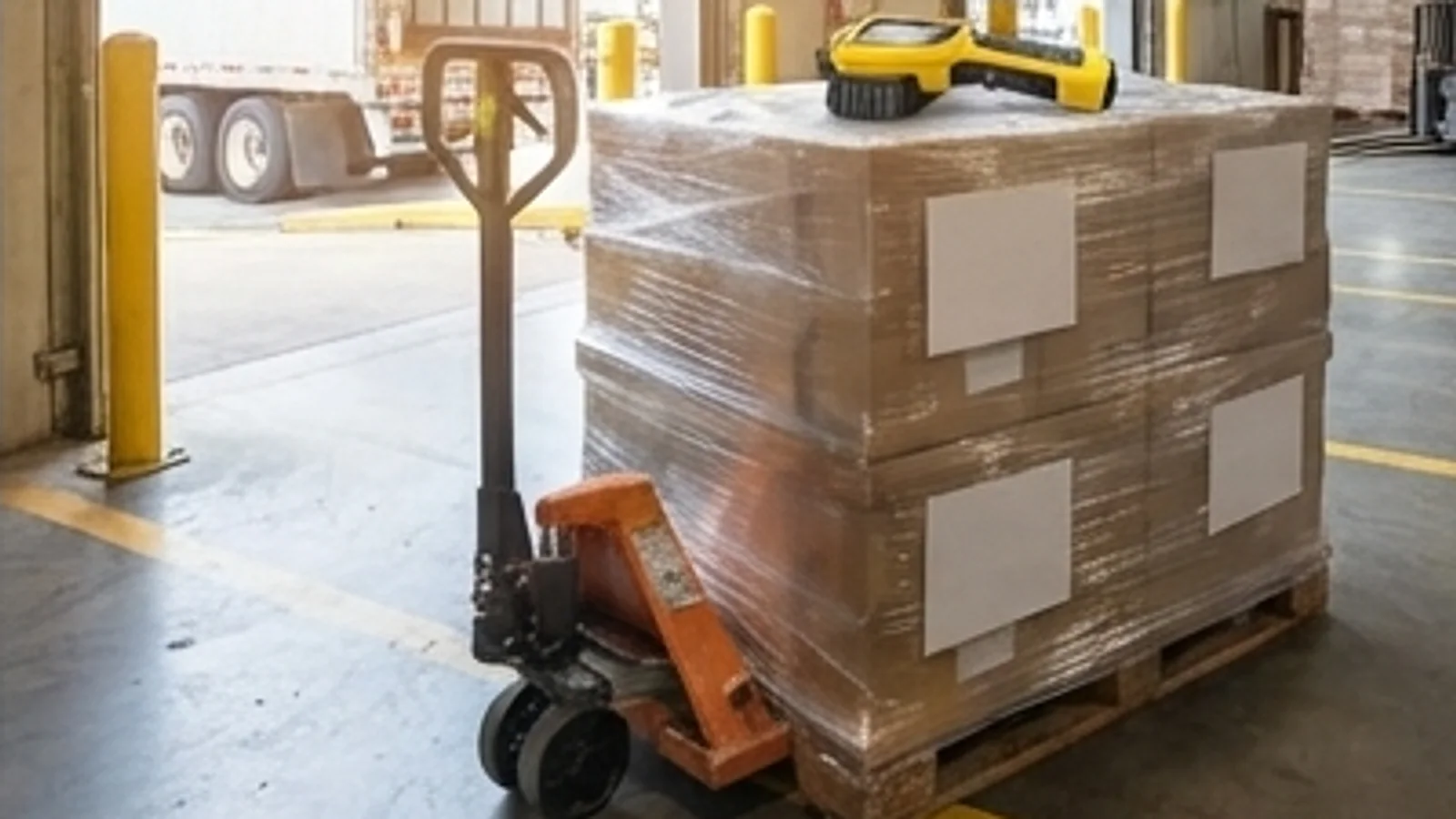
Trucks wait while a clerk keys the delivery note into the ERP, and nobody can say which pallets are cleared for use. Agnotic Technologies builds GRN automation software that checks each delivery against the purchase order, holds stock for inspection and posts the goods receipt note.
Trusted by global innovators











GRN automation software records what actually arrived at the receiving dock, checks it against the purchase order and the supplier's ship notice, routes items that need incoming inspection to a quality hold, and posts the goods receipt note to the ERP. Agnotic Technologies builds it around your own receiving rules and labels.
GRN stands for goods receipt note: the record that a delivery was received, counted, and accepted or held. When it is still typed from paper, stock is booked late, invoices wait for matching and quality cannot see which lots are waiting for inspection.
Dock to stock
The receiving workflow the software runs, one step at a time.
Open purchase order lines and the supplier's ship notice create an expected receipt before the truck arrives, so the dock knows what to look for.
The receiver scans the SSCC on each pallet label, and the software matches the pallet to the ship notice or, without one, to the open order.
Item, quantity, batch or lot and expiry date are read from GS1 barcodes. Manual entry is allowed only when a label is missing, and it is flagged.
Lines whose material has an inspection plan go to a quality hold. Lines the plan skips are released straight to stock.
The GRN is posted to the ERP against the order lines, with each discrepancy recorded on its line.
Buyers, quality and accounts payable see the result, and suppliers on EDI receive a receiving advice.
Discrepancy rules
The rule table the receiving screen is built from. Your buyers and quality team set the tolerances and owners for each rule.
| Mismatch | How the software spots it | What it does | Who decides |
|---|---|---|---|
| Short delivery | Counted quantity is below the ship notice or the order line | Posts what arrived and keeps the order line open for the balance | Buyer, when the gap is outside tolerance |
| Over delivery | Counted quantity is above the order line and its tolerance | Receives up to the tolerance and holds the excess | Buyer |
| Wrong item | The scanned GTIN matches no open order line | Blocks the line from posting and asks for a return or an order change | Buyer and receiving lead |
| Missing or unreadable label | No SSCC or GS1 barcode can be read | Allows manual entry with a photo and records a label issue against the supplier | Receiving lead |
| Damaged packaging | The receiver marks damage on the line and adds photos | Moves the line to a quality hold and opens a supplier claim if quality confirms it | Quality |
| Expired or short-dated lot | The AI (17) expiry date is past, or inside the minimum remaining life | Holds the lot and alerts quality and the buyer | Quality |
| No order reference | The delivery matches no open purchase order | Parks it in an unplanned receipts queue without posting stock | Buyer |
Every override records who made it and why, so accounts payable sees the same picture when it matches the invoice.
Data capture
Scanning replaces typing wherever the supplier's label allows it.
Modules for the receiving dock, from the expected receipt to the posted GRN.
Today's inbound deliveries by dock and time slot, built from open order lines and ship notices.
Handhelds or phones read SSCC, GTIN, batch and expiry, and keep working offline in buildings with weak Wi-Fi.
Inspection plans per material and supplier, sample sizes, results and accept, reject or rework decisions recorded against the lot.
Held stock stays out of use until quality releases it, and every release is signed and time stamped.
Delivery notes and certificates read into fields for the receiver to confirm, instead of being typed.
Receipts posted to SAP, Oracle, Microsoft Dynamics or a custom ERP through its API, IDoc or file interface.
Quantity accuracy, label issues and damage per supplier, sent to supplier quality for scorecards.
Who received, counted, held, released or overrode each line, and when.
Failure points
Problems we design for from the first release, because each one breaks trust in the receipt data.
Challenge
Suppliers send ship notices late, or not at all.
Agnotic approach
Receiving falls back to the open order, and missing notices are counted per supplier.
Challenge
The order is in cases and the label is in eaches.
Agnotic approach
One unit of measure conversion per material, stored once and used by every screen.
Challenge
Stock is posted as usable before inspection, and held material gets consumed.
Agnotic approach
Materials with an inspection plan post to a quality or blocked status, never straight to usable stock.
Challenge
A partial delivery closes the order line.
Agnotic approach
Lines stay open until the last quantity arrives or a buyer closes them.
Challenge
Scanners lose connection in cold stores and steel sheds.
Agnotic approach
An offline queue that syncs later and checks for duplicate scans before posting.
Who it is for
Teams that receive materials and need the receipt to be right the first time.
Purchased parts and subassemblies received against order lines, with inspection for critical parts.
Bulk and drummed materials sampled and held until the lab releases them.
Components quarantined on receipt and released by the quality unit, as 21 CFR 211.82 and 211.84 describe.
High-volume inbound docks where SSCC scanning and ship notices replace paper checks.
The rules and label standards the receiving workflow is built on, each linked to its primary source.
Under 21 CFR 211.82, each container of drug components, containers and closures must be examined on receipt, before acceptance, for labeling, container damage, broken seals and contamination, and then stored under quarantine until it is tested or examined and released.
Source: 21 CFR 211.82 (eCFR)21 CFR 211.84 requires each lot of components to be withheld from use until the quality control unit releases it, and bases the number of containers sampled on criteria such as statistical variability and the past quality history of the supplier.
Source: 21 CFR 211.84 (eCFR)GS1 Application Identifier (00) carries the 18-digit Serial Shipping Container Code (SSCC) of a logistic unit, while AI (02) and AI (37) carry the GTIN and the count of the trade items the unit contains.
Source: GS1 Application Identifiers (00), (02) and (37), ref.gs1.orgGS1 Application Identifier (10) carries a batch or lot number of up to 20 characters, and AI (17) carries an expiration date in YYMMDD format, so both can be read from the same barcode as the item number.
Source: GS1 Application Identifiers (10) and (17), ref.gs1.orgASC X12 defines the Ship Notice/Manifest (856) to list the contents of a shipment, including order information, packaging and carrier details, and the Receiving Advice/Acceptance Certificate (861) to notify receipt or formal acceptance of goods.
Source: X12, Transaction SetsStandards
Scope
We do not publish prices. These are the drivers we price on the scoping call.
How many receiving docks and sites, and whether they share one process.
The ERP, its version and the interface it allows for goods receipts.
How many suppliers already ship GS1 labels and ship notices.
Which materials need incoming inspection and how sampling is decided.
Rugged scanners, phones or fixed scanners at the dock door.
Warehouse, quality and accounts payable systems that need the receipt.
We start at one dock and prove the receipt data before adding more.
We walk through how a delivery is received today, the paper it creates and where receipts are posted late or wrong.
ScopeA fixed-scope first release: expected receipts, scanning, discrepancy rules, inspection holds and ERP posting for one dock.
BuildMore sites, ship notice onboarding for key suppliers and the feeds to quality and accounts payable, with support after launch.
Scale