

01
Due soon
Example: The re-evaluation date is inside the warning period you set
Approach: The operator and supervisor are reminded, and training is booked


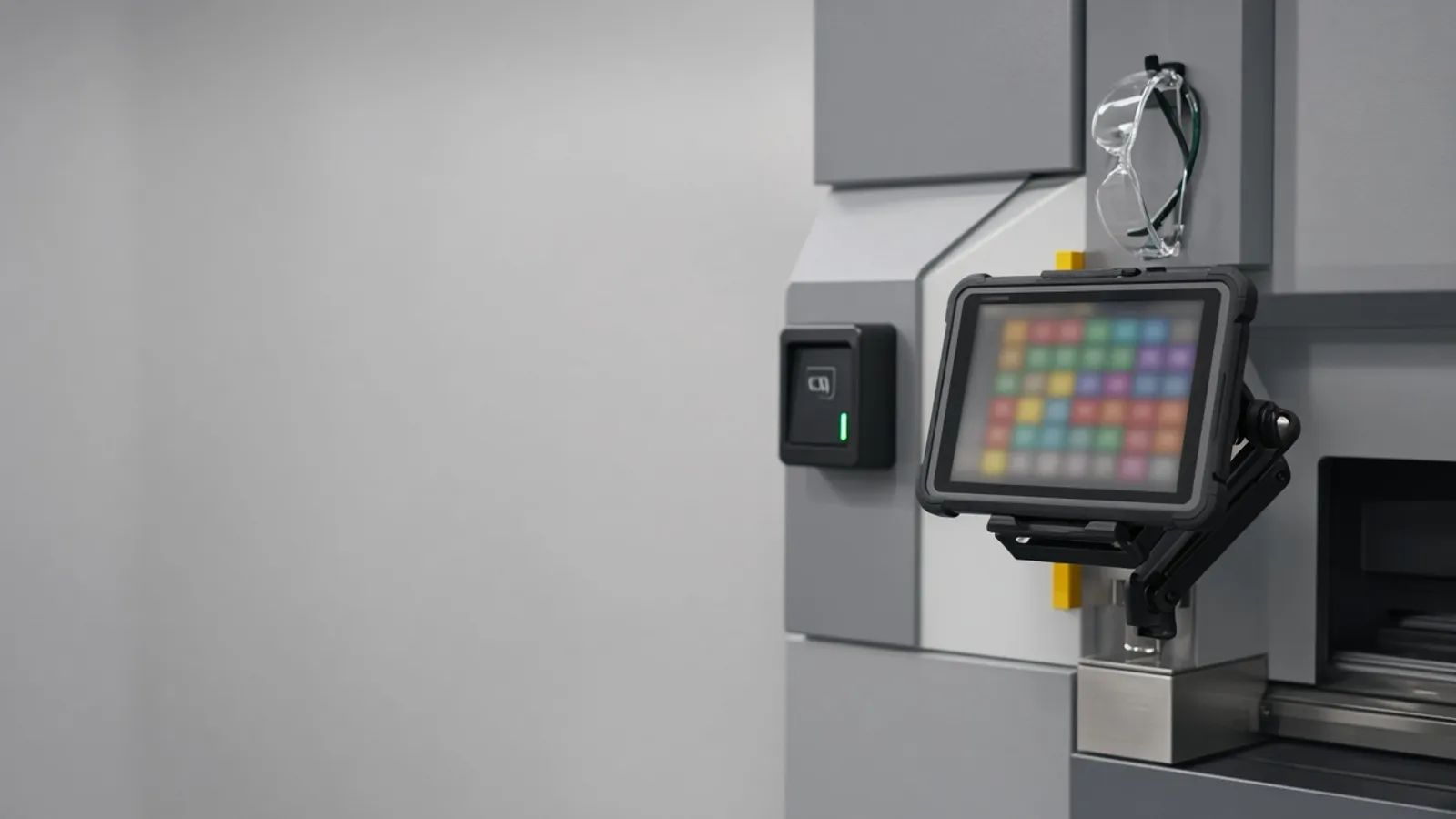
The skills matrix is a spreadsheet on the supervisor's laptop or a chart on the wall, and nobody is sure it is current. Agnotic Technologies builds skills matrix software that records who is trained and signed off on each machine and process, warns before a sign-off expires and checks qualification when an operator signs on.
Trusted by global innovators









Skills matrix software for manufacturing is a live record of which operators are trained, evaluated and signed off on which machines, processes and tasks, at what level, and until when. Agnotic Technologies builds it around your own machine list, job roles and sign-off rules, with the training record, the assessor's name and the evidence for each sign-off kept against every operator. Supervisors see qualification gaps by line and shift before they plan the rota, operators see what they are cleared to run, and the software can check qualification when someone signs on to a machine, so a spreadsheet or wall chart is no longer the only proof.
Operator by machine
Keep one record per operator and machine that holds the skill level, the sign-off date, who signed it off and when it expires, and let the software build the matrix from those records instead of a hand-kept grid. Agnotic Technologies builds the matrix view, the operator view and a lookup at the machine, so the answer is the same wherever someone asks.
When a sign-off lapses or a refresher is due, the cell changes on its own. Supervisors filter by line, shift or machine to see who can cover a job today and who needs training next.
Skill levels
The level scale we start from. Your quality and training leads set the names and the rules behind each one.
| Code | Name | Typical use |
|---|---|---|
| 0 | Not trained | Cannot run the machine or task |
| 1 | In training | Runs it only with a named trainer present |
| 2 | Qualified with supervision | Runs it with a qualified operator on the line |
| 3 | Qualified | Runs it alone on any shift |
| 4 | Trainer or assessor | Trains others and signs off levels 1 to 3 |
| X | Expired or suspended | Blocked until refresher training or re-evaluation |
Sign-off flow
Each step is a recorded state, so a sign-off cannot appear in the matrix without the training and evaluation behind it.
A supervisor assigns the machine or task, and the training plan for it is attached.
Classroom, online and on-the-job training are logged with dates and the trainer's name.
A named assessor watches the operator on the machine and records the practical check.
The assessor signs off the level, and the matrix cell updates with the date and evidence.
The next re-evaluation or refresher date is set from your rule for that machine.
An incident, a near-miss or a process change can reopen the sign-off for a refresher.
Expiry rules
The software warns before a sign-off lapses and changes the operator's status when it does, so expiry is a rule, not a surprise. These are the cases we build for; the warning periods are yours to set.
Example: The re-evaluation date is inside the warning period you set
Approach: The operator and supervisor are reminded, and training is booked
Example: The re-evaluation or refresher date has passed
Approach: The cell drops to expired and the operator is no longer listed for that machine
Example: A near-miss, an unsafe act or a move to a different machine type
Approach: A refresher is assigned and the sign-off waits for a new evaluation
Example: A new program, fixture or procedure revision on the machine
Approach: Affected operators are flagged for a briefing before their next shift on it
Operator record
One record per person, so every sign-off answers one search.
Modules for the training lead, the supervisor and the operator at the machine.
Operators by machines, processes or tasks, filtered by line, shift or site.
Levels signed by named assessors, with dates and evidence attached.
Reminders before re-evaluation dates, and status changes after them.
A badge or login check at the machine, HMI or MES that confirms qualification.
Who can run each machine on each shift, and where cover is thin.
Training needs by line, ranked by the machines with the fewest qualified operators.
Course results from your LMS and staff changes from your HR system.
Every level change, sign-off and override recorded with who and when.
Failure points
What we see before the matrix moves into software, and what changes.
Challenge
The grid is updated when someone remembers.
Agnotic approach
Cells change from training and sign-off records, not by hand.
Challenge
Expiry dates are not on the chart at all.
Agnotic approach
Every sign-off carries its next evaluation date and a warning period.
Challenge
Nobody can show who signed an operator off.
Agnotic approach
Each level records the assessor and the evidence.
Challenge
Each shift keeps its own copy.
Agnotic approach
One matrix for every line, shift and site.
Challenge
Qualification is checked only during audits.
Agnotic approach
The sign-on check asks the question every time a shift starts.
Evidence
Answered from the sign-off records, not rebuilt from a wall chart.
Machine-specific training, evaluation and authorization rules in OSHA's general industry standards, each linked to the eCFR.
OSHA's powered industrial truck standard, 29 CFR 1910.178(l)(1)(ii), says that before an employee operates a truck, other than for training, the employer must ensure the operator has successfully completed the required training.
Source: 29 CFR 1910.178(l)(1) (eCFR)Under 29 CFR 1910.178(l)(4), refresher training is required when an operator is assigned to drive a different type of truck, is involved in an accident or near-miss, or is seen operating unsafely, and each operator's performance must be evaluated at least once every three years.
Source: 29 CFR 1910.178(l)(4) (eCFR)29 CFR 1910.178(l)(6) requires the employer to certify that each operator has been trained and evaluated, and the certification must include the operator's name, the date of training, the date of evaluation and the identity of the person who trained or evaluated.
Source: 29 CFR 1910.178(l)(6) (eCFR)The lockout/tagout standard, 29 CFR 1910.147(c)(7)(iv), requires the employer to certify that employee training has been accomplished and is kept up to date, with each employee's name and dates of training, and 1910.147(c)(8) allows lockout or tagout only by the authorized employees performing the servicing or maintenance.
Source: 29 CFR 1910.147(c)(7) and (c)(8) (eCFR)For overhead and gantry cranes, 29 CFR 1910.179(b)(8) permits only designated personnel to operate a crane covered by the section.
Source: 29 CFR 1910.179(b)(8) (eCFR)Standards
Related builds
Training, planning and the shop floor all read from the same sign-offs.
Course delivery and test results that feed sign-offs in the matrix.
Operator sign-on at the machine, checked against the matrix before work starts.
Shift plans that only assign jobs to operators qualified for them.
New starters, moves and leavers kept in step with the matrix.
Who it is for
Sites where the wrong person on a machine is a safety or quality risk.
CNC, press brake, welding and inspection sign-offs by shift.
Operating procedures, lockout and permit roles tied to named people.
Forklift and reach truck operators with evaluation dates.
Line, changeover and sanitation tasks by operator.
Scope
We do not publish prices. These are the drivers we size on the scoping call.
How many columns the matrix has and who owns each one.
Levels, assessors, evidence and re-evaluation rules per machine.
Whether badges, HMIs or the MES check qualification at the machine.
Your LMS, outside trainers and on-the-job records.
Whether starters, moves and leavers sync from your HR system.
Existing matrices and training records to bring across.
We start from the matrix you keep today, however rough it is.
We review your current matrix, sign-off rules and how training is recorded.
ScopeA fixed-scope first release: operators, machines, levels, sign-offs and expiry warnings for one line.
BuildMachine sign-on checks, LMS and HR links and more lines, with support after launch.
Scale