

Challenge
Photos are placed against the wrong area or piece of equipment.
Agnotic approach
Photos are tagged on intake, and every placement shows its tag for the reviewer to check.


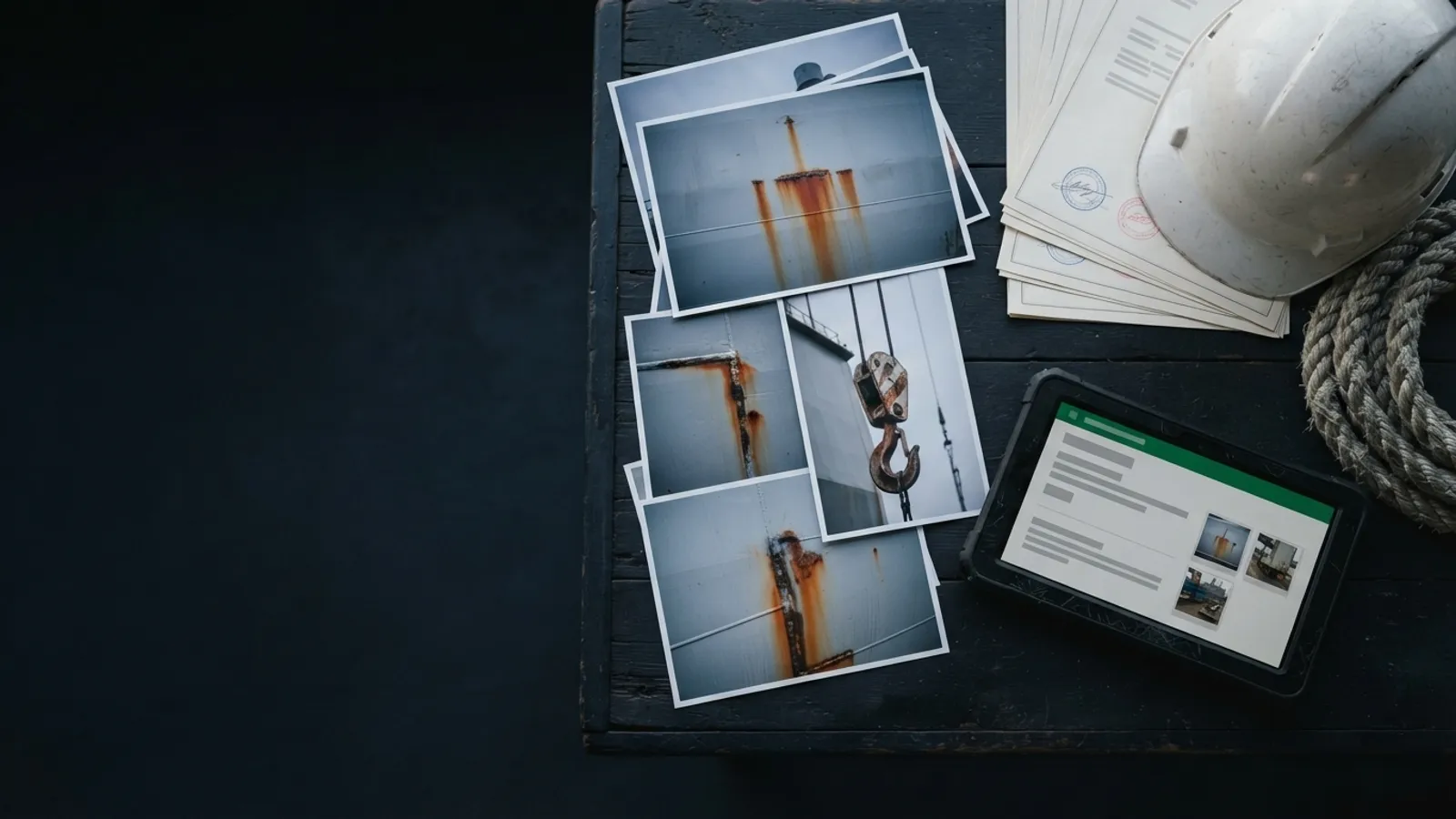
Surveyors come back with hundreds of photos and dozens of Word, Excel, PDF and scanned files for each vessel. Agnotic Technologies builds an AI agent that turns them into a draft report in your client's template, lists what it could not read and leaves sign-off to your surveyor.
Trusted by global innovators









An AI agent can draft the final report. In vessel inspection report automation, the agent reads every survey photo, certificate and record for a vessel, checks them against your instructions and writes the draft in your client's template. It lists any file it could not read instead of guessing, and the surveyor reviews, corrects and signs.
A survey of that size is mostly sorting and retyping: matching photos to areas and equipment, finding the right certificate among dozens of files and copying findings into the template. That is the work the agent takes off the reviewer, so the surveyor's time goes on judgment.
Agnotic Technologies builds this through custom AI agent development for your survey team, not as a subscription product. Underneath are document search for AI agents over your own survey files and the photo-based visual inspection methods we use on site inspections.
From survey files to draft
Map the client's template once, then let the agent fill it from the survey files. Each finding is written once, by the agent from the evidence, and placed in the section the template expects. This is AI-powered inspections and audits automation for marine surveys, with the surveyor in control of every finding.
Each client's report template becomes a set of sections, fields and wording rules, so the agent knows what goes where.
Photos and Word, Excel, PDF and scanned files are grouped by vessel, area, equipment and document type.
Certificate numbers, dates, issuers, readings and findings become fields, each linked to its source file and page.
The agent writes each section in the template's style and places the right photos next to each finding.
Missing documents, expired dates and unreadable files are listed in the draft for the reviewer.
The surveyor accepts, edits or rejects each finding and signs the final report.
Survey types
Yes. One agent can run several survey types, because each type is a separate set of instructions and a separate template, not a separate system. The table shows what changes between a crane reliability survey and a condition assessment survey, and what stays with the surveyor.
| What changes | Crane reliability survey | Condition assessment survey |
|---|---|---|
| Main evidence | Crane record book, inspection and load test records, wire rope and hook certificates, photos of the crane and its components | Hull, deck, machinery and equipment photos, class and statutory certificates, maintenance and inspection records |
| What the agent checks | Inspection and test dates, logged replacements and repairs, records missing from your checklist | Photo and note coverage for each area, certificate dates and issuers, items left open by earlier surveys |
| Sections it drafts | Crane description, records review, findings and recommendations | Vessel particulars, condition by area, certificates and records review, findings and recommendations |
| What the surveyor decides | Whether the crane's condition and records support each finding | The condition of each area and the overall assessment |
| Template | The client's crane survey template | The client's condition assessment template |
Survey types, checklists and templates are set up with your team. Adding a survey type means adding its instructions and template, not building a new agent.
Certificates and records
Yes. The agent reviews certificates and records against your written instructions, such as which certificates must be present, which dates must still be valid and who must have issued them, and it reports every file it could not read.
Each check in the draft cites the file and page it came from, so the reviewer can open the source directly. Files the agent could not read, such as a blurred scan or a password-protected PDF, are listed in the report with the reason, and none of their content is guessed.
If your survey files live in SharePoint, the same retrieval questions apply as for Copilot agents on SharePoint: folder structure and file quality decide what the agent can find.
They are read, flagged or listed, never guessed. Scanned and handwritten certificate extraction uses OCR and an AI model to read each field, and the agent marks how sure it is of every value.
Clear values go into the draft with a link to the source image. Values the agent is unsure of are highlighted for the reviewer, and pages it cannot read at all go on the unreadable-files list with the reason.
The surveyor does. The agent prepares a draft; it never issues, signs or sends a report on its own.
Every finding in the draft shows its evidence, and the surveyor accepts, edits or removes it. The report records who reviewed it, what they changed and when.
That keeps the signed report traceable to the survey files and to the surveyor's own decisions.
The parts of a custom vessel inspection AI agent, from file intake to the signed report.
Bulk upload or a connection to your document store, with files grouped by vessel and survey.
Photos tagged by area, equipment and finding, with near-duplicates grouped together.
Fields read from Word, Excel, PDF and scanned files, each linked to its source page.
Each client template described once as sections, fields and wording rules.
Every file that could not be read, with the reason, printed in the draft.
Draft and evidence side by side, with accept, edit and reject on each finding.
Who reviewed what, what changed and when, kept with the signed report.
The signed report exported in the format the client expects, such as Word or PDF.
Failure points
Problems we see in manual survey reporting, and what the agent changes.
Challenge
Photos are placed against the wrong area or piece of equipment.
Agnotic approach
Photos are tagged on intake, and every placement shows its tag for the reviewer to check.
Challenge
One finding is retyped differently in two sections.
Agnotic approach
Each finding is written once and reused wherever the template needs it.
Challenge
An expired or missing certificate is noticed late.
Agnotic approach
Certificate checks run on intake and appear at the top of the draft.
Challenge
A scan nobody could read is quietly left out.
Agnotic approach
Unreadable files are listed in the report with the reason.
Challenge
Each reviewer formats the client's template a little differently.
Agnotic approach
The template is mapped once, so every draft follows the same structure.
Who it is for
Teams that turn large survey file sets into reviewed reports.
Survey teams that turn photos and documents into client reports for many vessels.
Surveyors reporting vessel condition to owners, buyers, charterers or lenders.
Crane and lifting appliance surveys with heavy record review.
Technical teams reviewing survey and certificate files across a fleet.
US Coast Guard rules in 46 CFR that set what crane and certificate records contain, each linked to the regulation text.
On mobile offshore drilling units, 46 CFR 109.437 requires the master or person in charge to keep a crane record book with the dates and results of frequent and periodic inspections and tests, each rated load test, and each replacement or renewal of wire rope, hooks and other load components.
Source: 46 CFR 109.437 (eCFR)Under 46 CFR 107.259, crane tests on mobile offshore drilling units are witnessed and inspected by a Coast Guard marine inspector, or by ABS or the International Cargo Gear Bureau for cranes they certify, and that surveyor certifies the tests and inspections followed the API specification.
Source: 46 CFR 107.259 (eCFR)For US cargo and miscellaneous vessels, 46 CFR 91.25-1 makes an inspection for certification a prerequisite of the reissuance of a certificate of inspection.
Source: 46 CFR 91.25-1 (eCFR)Records