

Talk
- Topic and content version
- Language
- Linked hazard, task or incident


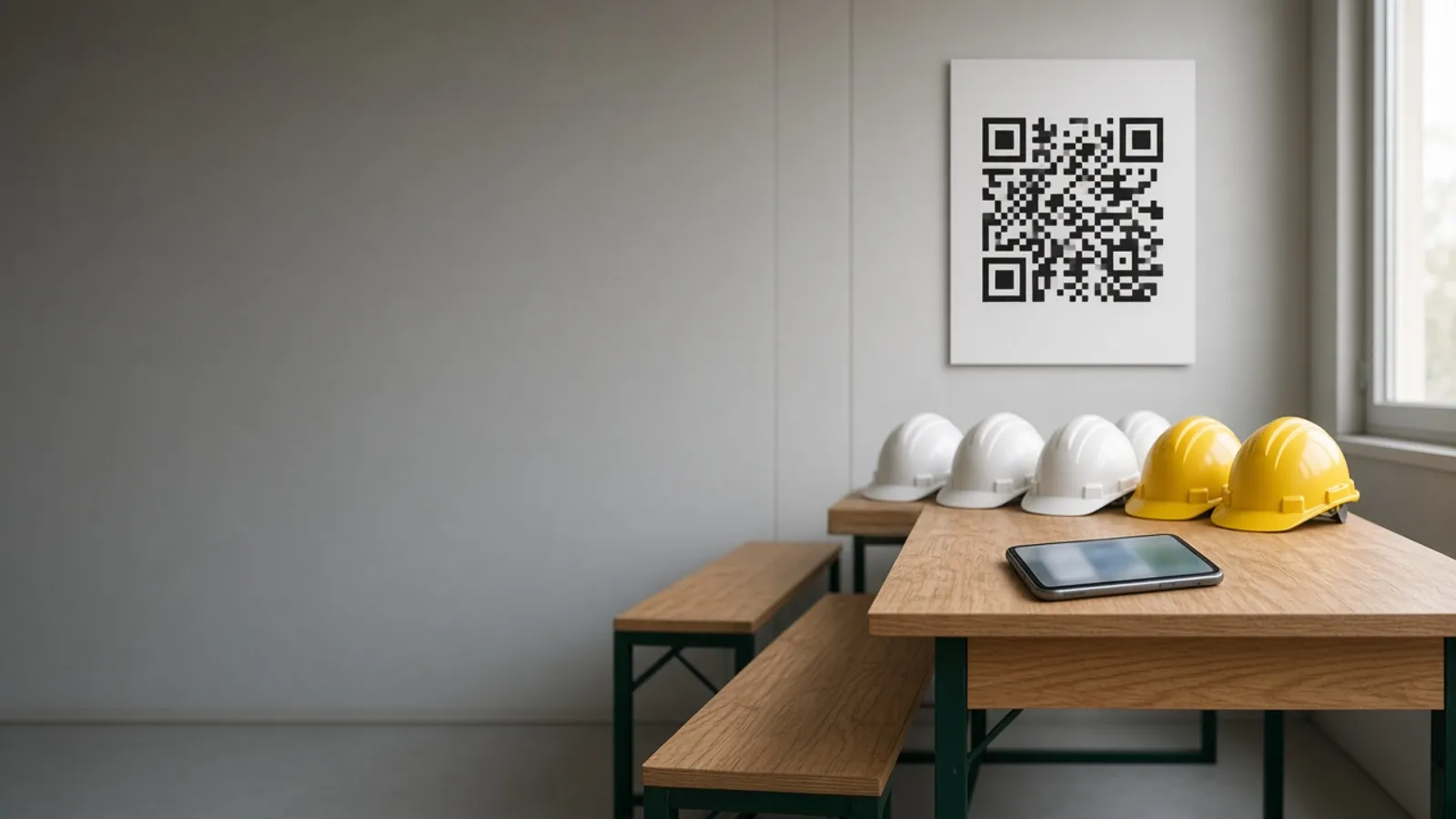
Toolbox talks happen every morning, but the proof is a clipboard sheet that gets wet, lost or signed by whoever is nearest. Agnotic Technologies builds a toolbox talk app for your company: supervisors run the talk from your library, workers sign in by scanning a QR code on their own phone, and every attendance record is kept for audits.
Trusted by global innovators




A toolbox talk app is a mobile tool for running short safety briefings on site and recording who attended. Agnotic Technologies builds it as your own app, not a subscription: the supervisor picks a talk from your library or writes one for the day's hazards, workers sign in by scanning a QR code on their own phone or are added on the supervisor's device, the presenter signs off, and the record stores the topic, the date, the location, the crew and each attendee. Workers who missed the talk are listed for follow-up, and safety managers can show any crew's history in seconds instead of searching for paper sheets.
Proof of delivery
Record each talk against a crew and a roster, not just a list of signatures, so the app can show who attended, who did not and what was covered. These are the steps the app records.
Talks are planned by crew, site and topic, or added on the day for a new hazard.
The supervisor presents from the talk content on a phone or tablet, in the crew's language.
Each worker scans the talk's QR code with their own phone, or the supervisor adds them on a shared device.
The presenter signs the record, with time and location stored automatically.
Attendance is compared with the crew roster, and absent workers are listed.
Missed workers get the talk later, and the record shows when they caught up.
QR code sign-in
Yes. Each talk gets its own QR code, shown on the supervisor's screen or printed on a site poster, and workers scan it with their phone camera to open a short sign-in page in the browser, with no app to install. Agnotic Technologies builds the sign-in so a worker confirms their name once, and the phone remembers them for later talks on that site.
For workers without a smartphone, the supervisor adds them on the shared device, or they tap a badge. The code changes for every talk and expires when the talk closes, so it cannot be scanned from the car park the next day.
Paper versus app
A sheet proves that names were written down. The app records who was there, when and where, and what they were told. This is the comparison we walk through with safety managers.
| Question an auditor or investigator asks | Paper sign-in sheet | Toolbox talk app record |
|---|---|---|
| Who attended? | Handwritten names, sometimes unreadable or added later | Each worker's own sign-in, time-stamped |
| Who missed it? | Not recorded | Absent workers listed against the crew roster |
| What was covered? | A topic line, if filled in | The talk content and version that was presented |
| Where and when? | A date written by hand | Date, time and location stored automatically |
| Who presented? | Sometimes a signature | The presenter's sign-off on the record |
| Can we find it later? | Somewhere in a binder or a site office | Searchable by worker, crew, topic or date |
Talk record
One record per talk, so any question about it has one answer.
Screens for supervisors and workers, and reports for the safety team.
Your own talks by topic, trade and language, with versions.
Per-talk codes that open a browser sign-in on the worker's phone.
The supervisor signs each record, with time and location stored.
Rosters from HR or your contractor system, so missing workers show.
Absent workers listed and reminded until they catch up.
AI drafts a talk from an incident or a task for your safety team to review.
Talks and sign-ins captured without signal and synced later.
Attendance by crew, site and topic, exported for audits.
Failure points
What we see with paper sheets, and what the app changes.
Challenge
Sheets are signed by whoever is nearest.
Agnotic approach
Each worker signs in on their own phone, or the supervisor adds them by name.
Challenge
Nobody knows who missed the talk.
Agnotic approach
Attendance is compared with the crew roster automatically.
Challenge
The same talk is given every week.
Agnotic approach
A library with topics tied to the work, incidents and new hazards.
Challenge
Contractors are not on the sheet.
Agnotic approach
Contractor workers sign in the same way, linked to their company.
Challenge
Records are lost before an audit.
Agnotic approach
Every record is stored and searchable by worker, crew or date.
Related builds
Talks link to contractors, training, permits and the wider safety program.
Contractor workers inducted at sign in, then included in daily talks.
Longer courses and certifications beyond the daily talk.
Plant-wide safety programs, inspections and compliance records.
Permits for high-risk jobs that a talk often introduces.
OSHA training and training-record requirements that daily talks often help deliver, each linked to the eCFR.
OSHA's construction standard 29 CFR 1926.21(b)(2) requires the employer to instruct each employee in the recognition and avoidance of unsafe conditions and in the regulations applicable to their work environment, to control or eliminate hazards.
Source: 29 CFR 1926.21(b)(2) (eCFR)For fall protection training, 29 CFR 1926.503(b) requires a written certification record with the name or other identity of the employee trained, the date of the training and the signature of the person who conducted it or of the employer, and the latest certification must be kept.
Source: 29 CFR 1926.503(b) (eCFR)Under the Hazard Communication Standard, 29 CFR 1910.1200(h)(1), employers must give employees effective information and training on hazardous chemicals in their work area at their initial assignment and whenever a new chemical hazard they have not been trained on is introduced.
Source: 29 CFR 1910.1200(h)(1) (eCFR)Standards
Who it is for
Field and plant teams where a daily briefing is part of the job.
Daily talks for crews and subcontractors across several sites.
Shift-start briefings by line and department.
Tailgate meetings before jobs at remote locations.
Briefings before high-risk maintenance work.
Scope
We do not publish prices. These are the drivers we size on the scoping call.
How many sites, crews and supervisors use it first.
How many talks to load, and in which languages.
QR code, supervisor sign-in, badges and location checks.
Where crew and contractor rosters come from.
How often crews work without signal.
Links to EHS, HR, training or contractor systems.
We start with one site and your current talk material.
We review how talks are run and recorded today and what your audits ask for.
ScopeA fixed-scope first release: talk library, QR code sign-in, presenter sign-off and attendance reports for one site.
BuildMore sites and languages, rosters from your systems and offline use, with support after launch.
Scale