

01
Visit or delivery
Example: A courier, a meeting or a site survey with no hands-on work
Approach: Basic sign in, a short safety briefing and a host


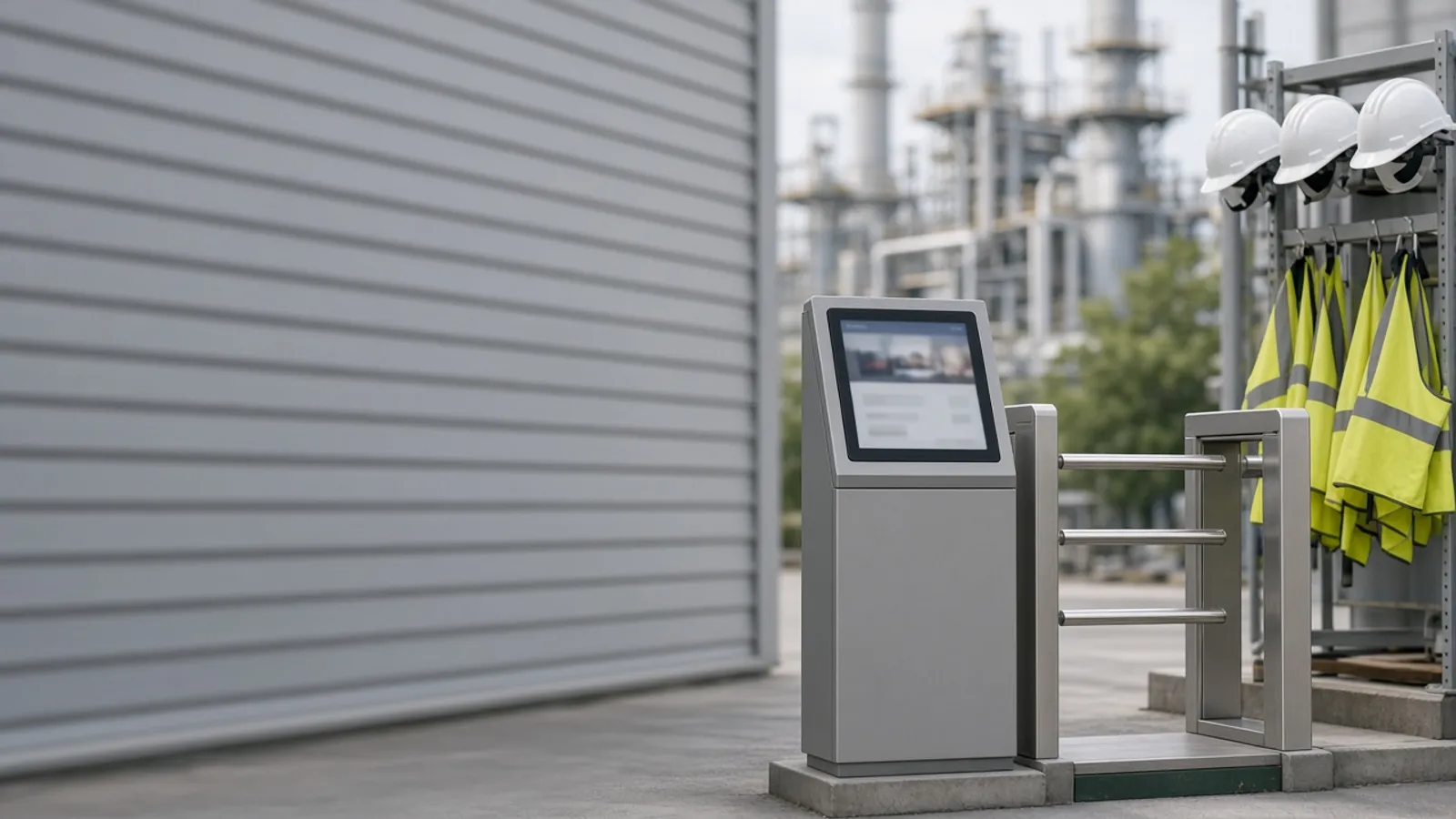
Insurance certificates sit in an inbox, inductions happen on paper at the gate and nobody is sure which contractors are on site right now. Agnotic Technologies builds contractor safety management software that checks every company and worker before work starts, runs the site induction at sign in and keeps a live list of who is on site.
Trusted by global innovators









Contractor safety management software is the system a site uses to approve contractor companies, check each worker's insurance, training and induction before they start, record who is on site and tie their work to permits and incidents. Agnotic Technologies builds it around your own approval rules: companies submit documents through a portal, the software tracks expiry dates, workers complete the site induction when they sign in, and the gate or kiosk lets in only people whose checks have passed. Safety teams see a live list of contractors on site, and every check, induction result and sign-out is kept as a record for audits and investigations.
Before work starts
Check the company first, then each worker, then the job, and let the software refuse sign in until every check has passed. These are the checks in the order the software runs them.
The contractor submits insurance certificates, safety policies and past safety performance through a portal for your team to approve.
Every certificate carries an expiry date, and the contractor is reminded before it lapses.
Each worker is added with their trade certificates and licences, checked against the work they will do.
Workers complete the site induction before their first visit or at first sign in, and the result is recorded.
At the gate or kiosk, the software confirms company approval, worker documents and induction, and links any permit for the job.
Workers sign out, so the on-site list stays right for a muster or an emergency.
Induction at sign in
Yes. Agnotic Technologies builds the induction into the sign in flow: the worker watches your site safety video on a kiosk or their own phone, answers a short quiz on the points that matter, and is cleared to enter only after passing. The video, the questions and the pass mark are yours, and each result is stored with the worker's name, the date and the version of the induction they took.
A worker who fails can rewatch and retry, or be sent to a supervisor. When you change the video or the quiz, workers can be asked to repeat the induction on their next visit.
Gate rules
The rule table the sign in flow is built from. Your safety team decides which checks block entry and which only warn.
| Point | What the software checks | If the check fails |
|---|---|---|
| Company approval | Prequalification documents and approval status | No worker from that company can sign in |
| Insurance | Certificate on file and not expired | Company blocked from new sign ins until a valid certificate is uploaded |
| Worker documents | Trade licences and training certificates for the work booked | Worker blocked, or limited to work that needs no licence |
| Site induction | Passed on the current version of the induction | Worker sent to the induction before entry |
| Job and permit | An open job, and a permit where the work needs one | Sign in allowed only to the site office until the permit is issued |
| Host contact | A named host who knows the worker is arriving | Host notified and asked to confirm |
Every block and override is recorded with who made it and why.
Work risk
Higher-risk work gets more checks before sign in, set by your own rules instead of a single list for everyone.
Example: A courier, a meeting or a site survey with no hands-on work
Approach: Basic sign in, a short safety briefing and a host
Example: Cleaning, painting or installing equipment away from process areas
Approach: Company approval, insurance and the full site induction
Example: Hot work, work at height or electrical work
Approach: Worker licences, a permit and a job briefing before sign in
Example: Maintenance or turnaround work on or next to a hazardous process
Approach: Hazard briefing, permit, named host and entry and exit control
Modules for your safety team, the contractor's office and the worker at the gate.
Companies submit and update documents, workers and job details themselves.
Your approval questions, documents and review steps, with a decision for each company.
Insurance, licences and certificates tracked with reminders before they lapse.
AI reads dates and policy details from uploaded certificates for your team to confirm.
Site safety video and quiz on a kiosk or phone, with results stored by version.
QR code or badge sign in, with access control systems where you have them.
Who is on site, where and for whom, ready for a muster.
Contractor workers linked to permits, observations and incidents.
Failure points
Gaps we see in paper and spreadsheet systems, and what the software changes.
Challenge
An insurance certificate expired months ago and nobody noticed.
Agnotic approach
Expiry dates are tracked and the company is blocked when a certificate lapses.
Challenge
Inductions are a signature on a sheet.
Agnotic approach
The induction ends with a quiz, and the result is stored with the version taken.
Challenge
The visitor book does not match who is on site.
Agnotic approach
Sign in and sign out at the gate keep the on-site list current.
Challenge
Subcontractors arrive that nobody approved.
Agnotic approach
Workers can only sign in under an approved company.
Challenge
Contractor incidents are filed apart from employee incidents.
Agnotic approach
Contractor workers are linked to incidents and permits in the same system.
Host employer and contractor duties from OSHA's general industry and construction standards, each linked to the eCFR.
Under OSHA process safety management, 29 CFR 1910.119(h)(2)(i), an employer selecting a contractor for maintenance, repair, turnaround, major renovation or specialty work on or next to a covered process must obtain and evaluate information about the contract employer's safety performance and programs.
Source: 29 CFR 1910.119(h)(2)(i) (eCFR)29 CFR 1910.119(h)(2)(iv) requires the host employer to develop and implement safe work practices that control the entrance, presence and exit of contract employers and contract employees in covered process areas.
Source: 29 CFR 1910.119(h)(2)(iv) (eCFR)29 CFR 1910.119(h)(3)(iii) requires the contract employer to document that each contract employee received and understood the required training, in a record with the employee's identity, the date of training and the means used to verify that the employee understood it.
Source: 29 CFR 1910.119(h)(3)(iii) (eCFR)When a host employer arranges for a contractor to perform permit-required confined space entry, 29 CFR 1910.146(c)(8) requires it to inform the contractor that the workplace contains permit spaces and to explain the hazards it has identified and the precautions it has put in place.
Source: 29 CFR 1910.146(c)(8) (eCFR)In construction, 29 CFR 1926.16(a) states that in no case is the prime contractor relieved of overall responsibility for compliance with OSHA's construction standards for all work performed under the contract.
Source: 29 CFR 1926.16(a) (eCFR)Standards
Related builds
Contractor checks feed permits, training and the wider EHS system.
Incidents, inspections and actions for employees and contractors in one system.
Hot work, confined space and electrical permits issued to approved contractor workers.
Commercial onboarding, contracts and third-party risk for the same companies.
Longer safety courses beyond the site induction.
Who it is for
Sites where contractors do hazardous work beside your own people.
Turnarounds and maintenance in covered process areas.
Maintenance, installation and cleaning contractors every week.
Subcontractor crews across several active sites.
Service contractors, visitors and deliveries at the same gate.
Scope
We do not publish prices. These are the drivers we size on the scoping call.
How many sites, gates and kiosks the first release covers.
Your questions, documents and approval steps.
How many inductions, languages and quiz versions.
Whether turnstiles or badge systems are connected.
Links to your permit-to-work and incident systems.
Existing contractor lists and documents to bring across.
We start with one site and its current induction.
We review your approval rules, induction material and how contractors sign in today.
ScopeA fixed-scope first release: contractor portal, document expiry, induction with quiz and kiosk sign in for one site.
BuildMore sites, access control, permits and EHS links, with support after launch.
Scale