

01
Valid
Example: Certificate on file, inside its dates
Approach: No action; the supplier stays approved for that scope


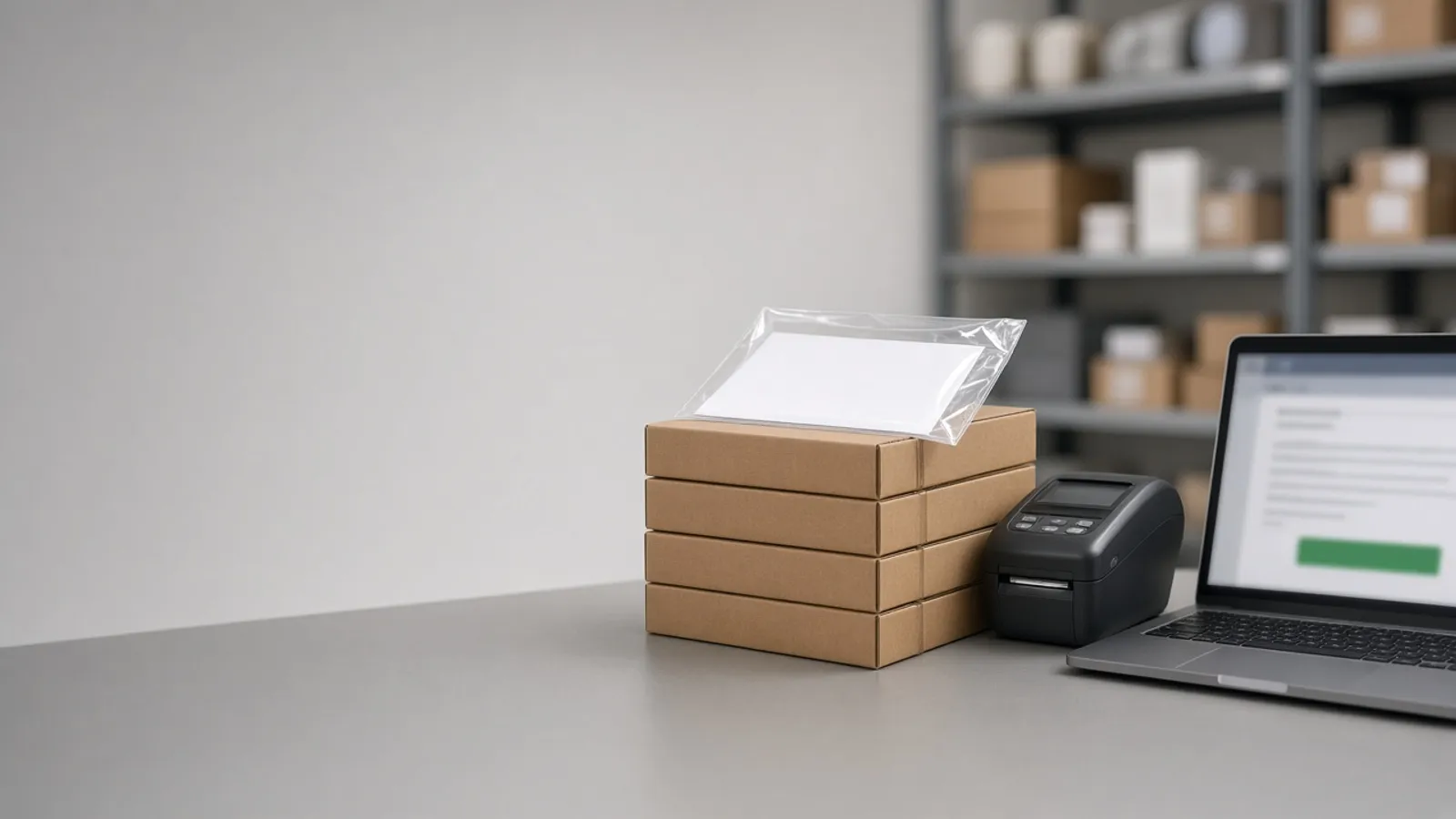
Buyers chase suppliers by email for order confirmations, ship dates arrive in reply chains and certificates sit in someone's inbox until an auditor asks. Agnotic Technologies builds supplier portals where suppliers confirm purchase orders, send ship notices and upload certificates, with the results written to your ERP and every expiry date tracked.
Trusted by global innovators




Supplier portal development is building a secure website where your suppliers sign in to see the purchase orders you sent them, confirm or propose changes, send advance ship notices, upload invoices, certificates and insurance documents, and answer quality requests, instead of doing all of it by email. Agnotic Technologies builds the portal around your purchasing process and connects it to your ERP, so a confirmed date or a shipped quantity updates the purchase order without retyping. Each supplier sees only its own orders and documents, every certificate carries an expiry date with reminders, and buyers work from one list of what needs attention.
One portal
Yes. Suppliers get one login where new purchase orders appear, and they confirm each line, propose a new date or quantity, create a ship notice when goods leave, and upload the certificates and documents you require. Agnotic Technologies builds it so buyers see confirmations and exceptions in one queue, and email becomes a notification that points back to the portal.
Suppliers that already trade by EDI can keep doing so. The portal covers the many smaller suppliers that never will, so every supplier ends up in the same process.
ERP updates
Yes, through your ERP's API or import interface. Each supplier action maps to a specific ERP record, and rules decide which updates post on their own and which wait for a buyer. This is the mapping we agree with your purchasing and IT teams.
| Supplier action in the portal | ERP record it updates | EDI equivalent |
|---|---|---|
| Confirms a PO line | Confirmed quantity and date on the purchase order line | X12 855 |
| Proposes a new date or quantity | Held for the buyer to accept, then the PO line is changed | X12 855 with changes |
| Creates a ship notice | Expected receipt with quantities, lots and tracking | X12 856 |
| Uploads a certificate for a shipment | Document attached to the receipt or lot | None; usually sent by email today |
| Submits an invoice | Supplier invoice, matched to the PO and receipt | X12 810 |
| Updates company documents | Supplier record: approval status and expiry dates | None |
Price changes, new suppliers and anything outside your tolerances always wait for a buyer. Every update records which supplier user made it.
Expiry tracking
Store every certificate with its type, scope and expiry date, and let the portal remind the supplier before it lapses and change the supplier's status when it does. Buyers see the effect before they place the next order. These are the status rules we start from; your quality and purchasing leads set the periods.
Example: Certificate on file, inside its dates
Approach: No action; the supplier stays approved for that scope
Example: Expiry date inside the reminder period you set
Approach: The supplier is asked to upload a renewal; the buyer and quality lead are copied
Example: Expiry date passed with no renewal uploaded
Approach: The supplier is flagged, and new orders for that scope need quality approval
Example: A required document was never uploaded
Approach: Shown on the supplier record and the buyer's queue until it arrives
One purchase order
From the buyer's ERP to the receiving dock, with the supplier's steps in between.
The PO is created in the ERP and appears in the supplier's portal, with an email notice.
The supplier confirms each line or proposes changes, and the ERP is updated or the buyer decides.
Late confirmations and slipping dates show on the buyer's queue.
The supplier creates a ship notice and attaches the shipment's certificates.
Receiving sees what is coming, scans against the ship notice and finds the certificates on file.
The supplier submits the invoice, matched against the order and the receipt.
Supplier-facing screens, buyer tools and the ERP connection.
Company and user accounts, invited by your buyers, with their own sign-in.
Orders, changes and line confirmations, synced with the ERP.
ASNs with quantities, lots, packaging and tracking numbers.
Certificates and insurance by type, scope and expiry date.
AI reads dates and scopes from uploaded certificates for your team to confirm.
Supplier invoices matched to orders and receipts before posting.
SAP, Oracle, Microsoft Dynamics, NetSuite or a custom ERP through its API.
Each supplier sees only its own records, and every action is logged.
Failure points
What stops suppliers using a portal, and how we design around it.
Challenge
Suppliers ignore the portal and keep emailing.
Agnotic approach
Every request links straight to the task, with no app to install and a short sign-in.
Challenge
Data in the portal and the ERP disagree.
Agnotic approach
The ERP stays the record, and every portal change syncs both ways with checks.
Challenge
Certificates are uploaded but never checked.
Agnotic approach
Each document has a type, scope and expiry, and a reviewer approves it.
Challenge
One login is shared by a whole supplier.
Agnotic approach
Named users per supplier, so every action has a person behind it.
Challenge
Large suppliers refuse a portal.
Agnotic approach
EDI stays available for them; the portal serves everyone else.
Related builds
The portal sits between purchasing, quality and your suppliers.
Supplier scorecards, audits and corrective actions that suppliers answer in the portal.
The buying side: requisitions, approvals and the purchase orders the portal publishes.
The mirror process for your own customers' purchase orders.
Supplier onboarding, qualification and third-party risk.
EDI transaction sets for the order cycle and FDA rules on approved suppliers for food facilities, each linked to its primary source.
ASC X12 defines the Purchase Order Acknowledgment (855) for a seller's acknowledgment of a buyer's purchase order.
Source: X12, Transaction Sets: 855 Purchase Order AcknowledgmentThe X12 Ship Notice/Manifest (856) lists the contents of a shipment of goods, along with related information such as order information, product descriptions and physical characteristics.
Source: X12, Transaction Sets: 856 Ship Notice/ManifestFor human food facilities with a supply-chain program, 21 CFR 117.420(a) requires the receiving facility to approve its suppliers, and document that approval, before receiving raw materials and other ingredients from them.
Source: 21 CFR 117.420(a) (eCFR)21 CFR 117.420(b) requires written receiving procedures that ensure raw materials and other ingredients come only from approved suppliers, or, temporarily and when necessary, from unapproved suppliers whose materials are verified before acceptance.
Source: 21 CFR 117.420(b) (eCFR)Standards
Who it is for
Purchasing and quality teams with more suppliers than their inbox can handle.
Parts suppliers confirming dates and sending material certificates.
Ingredient suppliers with certificates and approval status to track.
Many small suppliers that will never trade by EDI.
Customer-specified suppliers with documents per job.
Scope
We do not publish prices. These are the drivers we size on the scoping call.
Confirmations, ship notices, documents, invoices and quality requests: which come first.
Your ERP and the API it offers for orders, receipts and invoices.
Certificate types, review steps and expiry rules.
How many suppliers and users, and which already use EDI.
The languages your suppliers work in.
Existing supplier documents and contacts to bring across.
We start with a few suppliers and one process.
We review your purchasing process, ERP interfaces and the documents you collect.
ScopeA fixed-scope first release: PO confirmations, ship notices and certificate tracking with a group of pilot suppliers.
BuildInvoices, quality requests and the remaining suppliers, with support after launch.
Scale