

Challenge
The cross-reference of customer part numbers is incomplete.
Agnotic approach
Unmatched lines go to review, and each confirmed match is saved so it is not asked again.


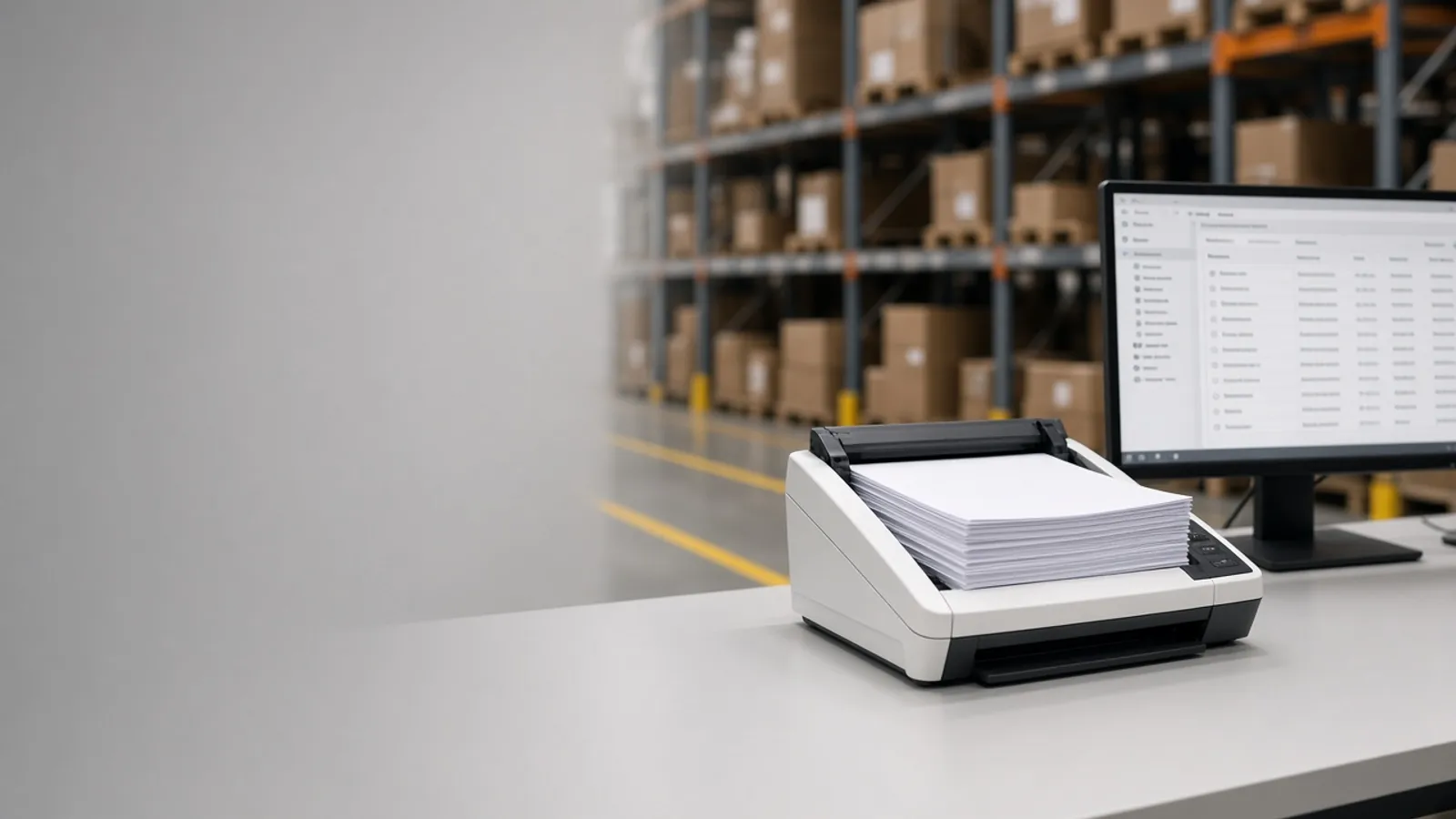
Customer purchase orders arrive as email PDFs, spreadsheets and EDI files, and someone types each line into the ERP. Agnotic Technologies builds sales order automation that reads each PO, checks it against your prices and stock, and creates the sales order for your team to approve.
Trusted by global innovators







Sales order processing automation turns incoming customer purchase orders into sales orders in your ERP without retyping. Software watches the order inbox and the EDI feed, reads each PO from email, PDF, spreadsheet or EDI, maps the customer's part numbers to yours, checks prices, quantities, dates and credit, and creates the sales order. Agnotic Technologies builds it around your ERP and your customers' real documents, and keeps people in charge: orders that pass every check can post on their own if you choose, while anything that fails a rule waits in a review queue with the PO beside the draft order.
This page covers orders your customers send you. Purchase orders you send to your own suppliers are covered by our purchase order software page.
PO to sales order
Route every PO channel into one queue, let software read and check each order, and keep your team on the exceptions instead of the keyboard. This is the path each PO follows.
POs arrive from the shared order inbox, EDI, customer portals and spreadsheets into one queue.
EDI is parsed directly. PDFs, scans and email bodies are read by a document AI model, field by field.
Customer part numbers, units and ship-to addresses are mapped to your items and customer records.
Price, quantity, date, credit and duplicate checks run against your ERP data.
The sales order is created in the ERP through its API, as a draft for review or posted, by your rules.
The customer gets an order acknowledgment by email or an EDI 855.
AI document reading
Yes. A document AI model reads the header and line items from PDF, scanned and email-body purchase orders, including layouts it has not seen before, and gives each field a confidence score. Agnotic Technologies builds it so the AI drafts the order and your rules decide whether it posts or waits for a person.
Before go-live the model is checked against a sample of your real POs, and every correction your team makes is kept so the model can be retested as customer layouts change.
Validation rules
The rule table the review queue is built from. Your team sets the tolerances and who decides each failure.
| Check | What the software compares | If it fails |
|---|---|---|
| Customer and ship-to | The sender, the PO header and your customer master | Goes to review; the software never guesses the account |
| Item mapping | The customer's part number against your cross-reference table | Suggests the closest match for a person to confirm and save |
| Price | The PO price against the customer's price list or contract | Held if outside tolerance; sales decides |
| Quantity and unit | The order unit against pack sizes and minimum order quantities | Converted where a rule exists, otherwise held |
| Requested date | The requested date against lead time and available stock | Drafted with a proposed date for customer service |
| Credit and terms | Open balance and payment terms in the ERP | Handed to credit control |
| Duplicate | The PO number and lines against recent orders | Blocked and flagged as a possible duplicate |
Orders that pass every check post automatically only if you turn that on. Every override records who made it and why.
EDI documents
For customers who trade by EDI, these X12 transaction sets carry the order cycle.
| Code | Name | Typical use |
|---|---|---|
| 850 | Purchase Order | The customer places an order |
| 855 | Purchase Order Acknowledgment | You confirm what you accept, change or reject |
| 860 | Purchase Order Change Request, Buyer Initiated | The customer changes an order already placed |
| 856 | Ship Notice/Manifest | You tell the customer what shipped |
| 810 | Invoice | You bill the customer |
Modules from the order inbox to the confirmed sales order.
One queue for email, EDI, portal and spreadsheet orders, with the source kept on each.
Document AI for PDFs, scans and email bodies, with a confidence score per field.
Customer part numbers mapped to your items, learned from each confirmed match.
Price, quantity, date, credit and duplicate checks with your tolerances.
The PO and the draft order side by side, with failed checks highlighted.
Sales orders created in SAP, Oracle, Microsoft Dynamics, NetSuite or a custom ERP through its API.
Confirmations by email or EDI 855, with changes shown to the customer.
Who reviewed, changed or posted each order, and when.
Failure points
Problems we design for from the first release.
Challenge
The cross-reference of customer part numbers is incomplete.
Agnotic approach
Unmatched lines go to review, and each confirmed match is saved so it is not asked again.
Challenge
Orders post with old prices.
Agnotic approach
Prices are checked against the ERP at the moment of posting, not copied from the PO.
Challenge
The same PO arrives twice, once by email and once by portal.
Agnotic approach
Duplicate checks run on the PO number and lines across every channel.
Challenge
Customer changes arrive as a new PDF with the same number.
Agnotic approach
A repeat PO number with different lines is treated as a change and compared with the open order.
Challenge
Automation is switched on for every customer at once.
Agnotic approach
Customers move to automatic posting one by one, as their accuracy is proven.
Who it is for
Teams that receive many orders in many formats.
Repeat orders with long line lists and customer part numbers.
High order volumes from many small customers by email.
Orders that need date and capacity checks before acceptance.
EDI 850s and 855s alongside email orders from smaller accounts.
ASC X12 transaction sets for the order cycle, each linked to the standard body's own listing.
ASC X12 defines the Purchase Order transaction set (850) for placing purchase orders for goods and services, and says it should not be used to convey purchase order changes or purchase order acknowledgment information.
Source: X12, Transaction Sets: 850 Purchase OrderThe X12 Purchase Order Acknowledgment (855) carries a seller's acknowledgment of a buyer's purchase order, and it can also notify a buyer of a vendor generated order.
Source: X12, Transaction Sets: 855 Purchase Order AcknowledgmentX12 defines a separate transaction set, the Purchase Order Change Request, Buyer Initiated (860), for a buyer's changes to an order it has already placed.
Source: X12, Transaction Sets: 860 Purchase Order Change RequestFormats
Scope
We do not publish prices. These are the drivers we size on the scoping call.
Email, EDI, portals and spreadsheets: which are in the first release.
How many different PO layouts arrive, and how many are scans.
The ERP, its version and the API it offers for sales orders.
How many checks, and which ERP data each one needs.
Whether customer part numbers are already mapped anywhere.
Email confirmations, EDI 855s or both.
We start with the customers that send you the most orders.
We look at sample POs, the order inbox and how orders reach your ERP today.
ScopeA fixed-scope first release: inbox, PO reading, checks, review screen and ERP posting for your highest-volume customers.
BuildMore layouts, EDI, acknowledgments and automatic posting customer by customer, with support after launch.
Scale