

Challenge
Material prices are copied from an old quote.
Agnotic approach
Material is repriced from a dated source on every quote.


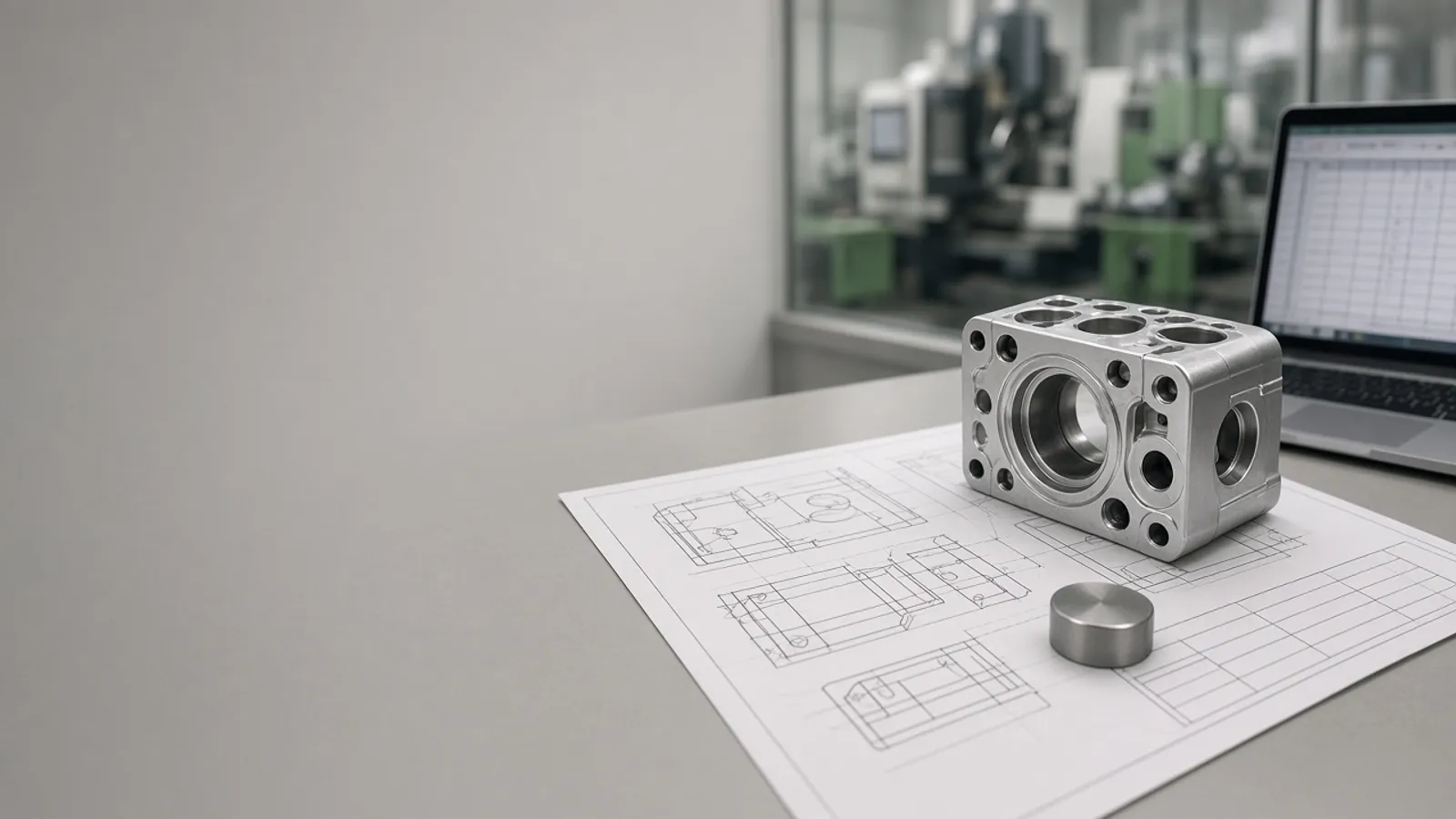
RFQs arrive as emails with drawings attached, and estimators rebuild every price from old quotes and a spreadsheet. Agnotic Technologies builds RFQ automation that reads each request, prices it from your past jobs and current material costs, and puts a checked quote in front of your estimator.
Trusted by global innovators








RFQ automation for manufacturers is software that takes each request for quotation from email, a customer portal or EDI, reads the line items and drawing, prices the job from your own cost rules and produces a quote for an estimator to check and send. Agnotic Technologies builds quote generation software for job shops and contract manufacturers around the way they already estimate: routings, machine rates, setup times, material prices, outside processing and margins. The software finds similar past jobs, pulls current material costs, flags anything outside your rules and keeps every revision, so estimators spend their time on judgment instead of retyping and recalculating.
This page covers the work before an order exists. Once the customer sends a purchase order, our sales order automation covers turning it into an order in your ERP.
RFQ to quote
Put every RFQ into one queue, let software do the reading, lookups and arithmetic, and keep the estimator on the decisions that need judgment. Each step below removes a place where time is lost or a price goes wrong.
RFQs from the quoting inbox, customer portals, EDI 840 and spreadsheets land in one queue with their due dates.
Line items, quantities, materials, finishes and notes are read from the RFQ and drawing for the estimator to confirm.
Each part is compared with past jobs by part number, material, size and process, and the closest matches are shown.
Material, machine time, setup, outside processing and margin are calculated from your current rates, not typed by hand.
Rules flag missing data, unusual margins, quantity breaks out of line and dates your schedule cannot meet.
The approved quote goes out as a PDF or an EDI 843, and every revision, win and loss is kept.
Past jobs and material costs
Yes. Quote generation software can start each new quote from the most similar jobs you have already run, using their routings and actual hours, and then reprice the material at today's cost from your ERP, supplier price lists or a metals price feed you subscribe to. Agnotic Technologies builds it so the estimator sees where every number came from and can change any of them.
Past jobs only help if their actual times and costs were recorded. Where they were not, the first release prices from your standard rates, and the history gets better as each job closes.
Cost build-up
A quote is only as good as the source behind each line. This is the cost build-up we agree with your estimators, with the check that runs on every part before a quote leaves the building.
| Quote element | Where the number comes from | Check before the quote goes out |
|---|---|---|
| Material | Current cost from the ERP, a supplier price list or a price feed, with stock size and yield | Price older than the age you set, or yield outside its usual range |
| Machine time | Routing and cycle times from similar past jobs, or your time standards | Run time far from the closest past job |
| Setup | Setup hours per operation, spread across the order quantity | An operation with no setup time |
| Outside processing | Supplier quotes for plating, heat treatment, coating or testing | Supplier quote missing or expired |
| Tooling and fixtures | One-time charges listed on their own line | The same charge repeated across revisions |
| Margin | Your margin rules by customer, part family and quantity | Below your floor, so it needs approval |
| Delivery date | Current load from your schedule plus material and outside process lead times | A date your schedule cannot meet |
Rates, rules and limits are yours and change in settings, not in code. Every override records who made it and why.
Failure points
The errors we see most in spreadsheet quoting, and what the software changes.
Challenge
Material prices are copied from an old quote.
Agnotic approach
Material is repriced from a dated source on every quote.
Challenge
Quantity breaks are guessed.
Agnotic approach
Breaks are calculated from setup and run time at each quantity.
Challenge
Two estimators price the same part differently.
Agnotic approach
Shared rates and rules, with earlier quotes for the same part shown first.
Challenge
The drawing revision changed but the quote did not.
Agnotic approach
Each quote is tied to the drawing revision it priced.
Challenge
Nobody knows which quotes are waiting, won or lost.
Agnotic approach
Every RFQ has a status, a due date and a win or loss reason.
Modules from the first RFQ email to the won order.
Email, portal, EDI 840 and spreadsheet RFQs in one queue with due dates.
AI reads line items, materials and notes from RFQs and drawings for the estimator to confirm.
Past quotes and closed jobs found by part, material, size and process.
Machine rates, setup times, material rules and margins kept in one place.
Checks for missing data, low margins and unrealistic dates before a quote is sent.
Items, customers and material costs read from your ERP, and won quotes passed back.
PDF quotes on your letterhead, customer portal uploads or EDI 843 responses.
Every revision, approval and win or loss reason, kept for reporting.
Related builds
A quote sits between the customer's request and the order, the schedule and the ERP.
When the customer's purchase order arrives, it is checked against the quote and entered in the ERP.
Capacity and load from the schedule feed the delivery date on each quote.
Most quoting starts in a workbook. This is how we move it into a web app.
The reading engine for RFQs, drawings and supplier quotes.
Who it is for
Manufacturers that quote more parts than they win, and need each price to hold.
Turned and milled parts quoted from routings and cycle times.
Material, cutting, bending and welding priced per part.
Assemblies with bills of materials and purchased components.
Tooling charged once and the part price set by quantity.
EDI transaction sets for quoting and the safeguarding rule for defense drawings, each linked to its primary source.
ASC X12 defines the Request for Quotation transaction set (840), which buyers can use to ask potential sellers of goods and services for price, delivery schedule and other items.
Source: X12, Transaction Sets: 840 Request for QuotationThe X12 Response to Request for Quotation (843) gives potential buyers the seller's price, delivery schedule and other terms in response to a request for that information.
Source: X12, Transaction Sets: 843 Response to Request for QuotationX12 defines a separate Specifications/Technical Information transaction set (841) for transmitting or requesting specifications or technical information between trading partners.
Source: X12, Transaction Sets: 841 Specifications/Technical InformationUnder DFARS 252.204-7012, a defense contractor must implement the security requirements of NIST SP 800-171, and must include the clause in subcontracts whose performance will involve covered defense information, including subcontracts for commercial products.
Source: 48 CFR 252.204-7012 (eCFR)Formats
Scope
We do not publish prices. These are the drivers we size on the scoping call.
Email, portals, EDI and spreadsheets: which are in the first release.
How many processes, rates and pricing rules your estimators use.
Whether actual hours and costs from past jobs are recorded and usable.
Your ERP and the API it offers for items, costs, quotes and orders.
Whether drawings and 3D models are read in the first release.
PDF quotes, portal uploads, EDI 843 responses or all three.
We start from real RFQs and the spreadsheet your estimators use today.
We review sample RFQs, your quoting spreadsheet and how won quotes reach the ERP.
ScopeA fixed-scope first release: RFQ inbox, cost model, job history search and quote rules for your most quoted part family.
BuildMore part families, drawing reading, EDI and ERP write-back, with support after launch.
Scale