

Challenge
Sterilizer printouts are filed by date, not linked to the trays in the load.
Agnotic approach
Each tray is scanned onto the load before the cycle runs, so the load record lists its trays.


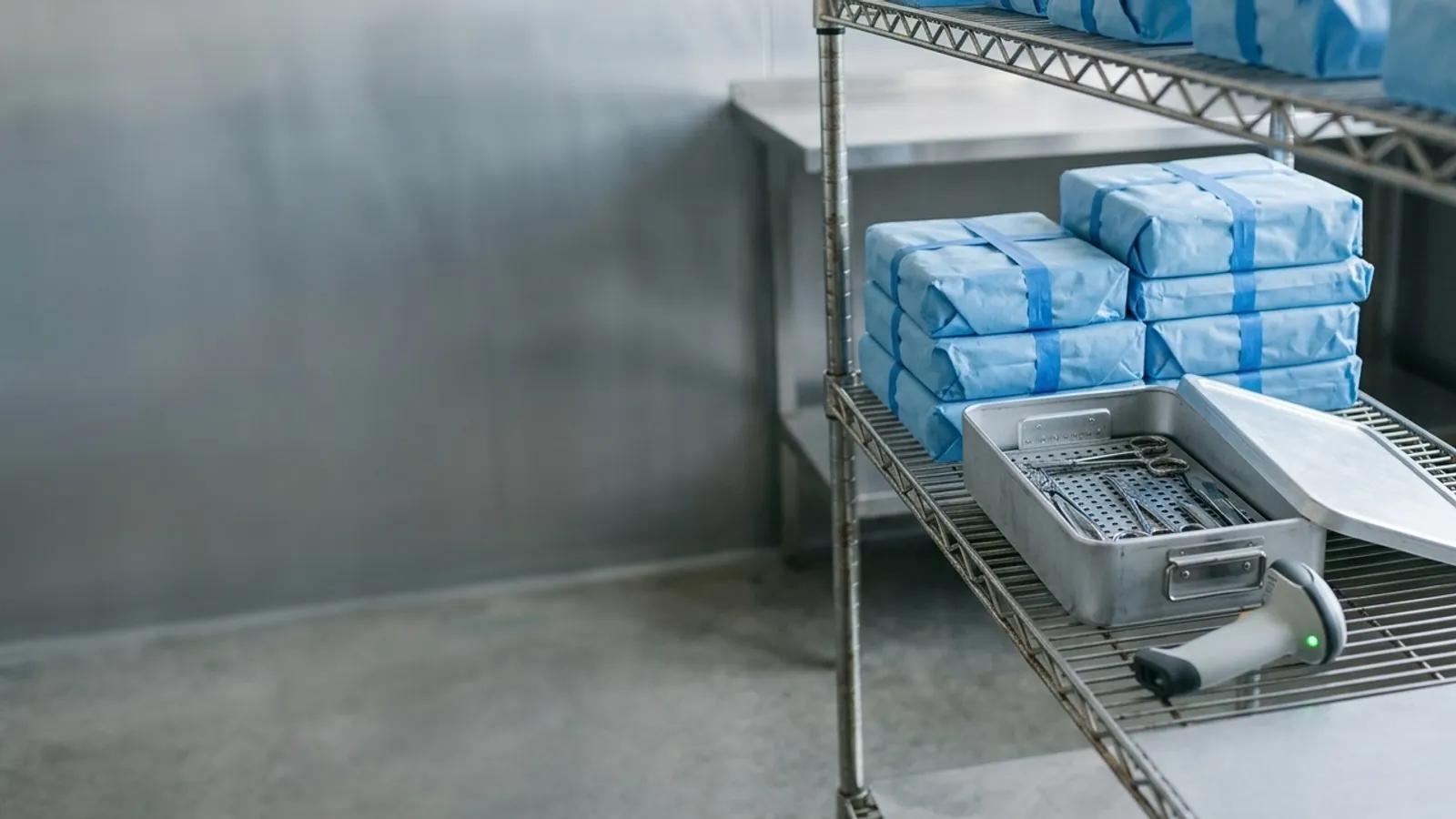
For sterile processing and perioperative leaders who still trace trays through paper count sheets and sterilizer printouts. Agnotic Technologies builds tracking software that scans every tray at every step, links it to its sterilizer load and shows the operating room what is ready.
Trusted by global innovators









Tray tracking
Sterile processing instrument tracking software tracks every surgical tray by giving each tray, and each instrument that needs it, a scannable identity, such as a barcode, a 2D data matrix or an RFID tag, then recording a scan at every step: decontamination, assembly against the count sheet, the sterilizer load, storage, the case cart and the operating room. Each scan records who did the step, when and where, so the tray's whole history sits on one record. The sterilizer load record links each tray to its cycle and indicator results, so a failed load traces to every tray it held and every case those trays reached.
Agnotic Technologies builds this as custom software for your department, around the scanners, washers and sterilizers you already run, and connects it to your OR schedule. If you also tag equipment across the hospital, the same reader network can feed both; our page on RFID in hospitals covers that wider program.
The tray loop
A tray passes the same stations on every turn. Each one is a scan point, and each scan adds a line to the tray's history.
After the case, the tray is scanned out of the operating room and logged as soiled, with the case it came from.
The tray is scanned into decontamination, and the washer cycle that cleaned it is recorded against it.
The technician works through the digital count sheet, records missing or damaged instruments and signs the tray off.
The tray is wrapped or put in a container, labeled and scanned onto a sterilizer load with its cycle type.
Cycle data and chemical and biological indicator results are recorded, and the load is released or held.
The tray is scanned to a storage location, so staff can find it and see its status.
Trays are picked for a case cart against the OR schedule and scanned at the room, linking the tray to the case.
Use barcodes or 2D data matrix codes for trays and containers, and add RFID only where reading without line of sight saves real time. Most departments start with printed barcode labels on trays and scan a 2D data matrix on instruments that carry one.
FDA rules already push direct marking: reusable devices that are reprocessed before each use must carry a permanent UDI on the device itself, often as a data matrix. The software reads those marks rather than adding a second label.
Search by the load number on the tray label. Because every tray is scanned onto a load before the cycle runs, the software lists every tray in that load, where each one is now and which patient cases have already used it.
Trays still in storage are put on hold at once and cannot be picked for a case cart. For trays already used, the list goes to infection prevention and perioperative leads with case and surgeon details, so they can follow your recall policy. CDC's guideline sets out when a positive biological indicator calls for a recall; the software records the decision and who made it.
Each tray type has a digital count sheet with every instrument, its photo and the expected quantity. The technician scans or ticks each instrument, and the tray cannot be signed off while anything is missing, unless a lead approves the gap with a reason.
Missing, damaged and substituted instruments are recorded against the tray, so the OR sees the note before the case. Count sheets are versioned, so a change to a tray's contents is approved once and used at every assembly station.
Failure points
Problems we see in sterile processing departments, and what the software changes.
Challenge
Sterilizer printouts are filed by date, not linked to the trays in the load.
Agnotic approach
Each tray is scanned onto the load before the cycle runs, so the load record lists its trays.
Challenge
A missing instrument is found in the OR, not at assembly.
Agnotic approach
The digital count sheet blocks sign-off until every instrument is counted or a lead approves the gap.
Challenge
Loaner trays arrive late with no count sheet.
Agnotic approach
Loaner trays get a record at receipt, with the vendor's contents list attached before assembly.
Challenge
Nobody knows which trays reached which patients.
Agnotic approach
Scanning the tray at the room links it to the case, so tray history and case history meet.
Challenge
Implant loads are released before the biological indicator is read.
Agnotic approach
Loads with implants stay on hold until a result is recorded, unless your policy allows an early release with a reason.
Challenge
Scanning is skipped when the department is busy.
Agnotic approach
Scan points are kept to the steps that matter, and a tray missing a step is flagged at the next scan.
Architecture
The components of a custom build, what each one does and the technology we typically use. The exact stack follows your hardware and hosting rules.
| Component | Purpose | Typical tech |
|---|---|---|
| Tray and instrument registry | One record per tray type, tray and tracked instrument, with UDI and count sheet | PostgreSQL, versioned count sheets, photo storage |
| Scan stations | Scan points in decontamination, assembly, sterilization, storage and the OR | Web app on workstation and handheld scanners, barcode and data matrix decoding |
| Assembly workflow | Digital count sheets with sign-off, missing items and substitutions | Touchscreen UI, role-based approval, label printing |
| Load records | Sterilizer and washer cycles, indicator results and load release | Cycle data import from sterilizers where available, manual entry with checks |
| Recall and reporting | Recall lists by load, tray history and turnaround reports | Search index, scheduled reports, export to CSV and PDF |
| Integration layer | OR schedule in, tray use and case links out, RFID reads in | HL7 v2 SIU and ORM, HL7 FHIR R4 where offered, RFID middleware |
Hosting can be in your cloud account or on premises. Records that link trays to patient cases are protected health information and are handled as such.
Tray tracking works best when it reads the OR schedule and writes back what was used.
Case schedules and preference cards from Epic, Oracle Health (Cerner) or MEDITECH, through HL7 v2 or HL7 FHIR R4 where the EHR offers it.
Cycle data from equipment that exports it, or structured entry from the printout where it does not.
Handheld and fixed barcode scanners, and RFID portals for carts and doorways.
Instrument purchases, repairs and replacements, so the registry matches what you own.
Instrument repairs and sterilizer service history from your CMMS or repair vendors.
Badge or identity provider log-in, so every scan and sign-off has a name.
Compliance as engineering
Tray records become patient records once a tray is linked to a case. These are the safeguards we build in.
Scope
We do not publish prices. These are the drivers we size on the scoping call.
How many tray types and count sheets, and whether single instruments are tracked.
One sterile processing department or several, plus off-site processing.
Barcode labels only, direct-marked instruments, RFID, or a mix.
Which sterilizers and washers export cycle data, and which need structured entry.
Your EHR, the interfaces it allows and whether tray use writes back to the case.
Count sheets, tray lists and history moved from a current system or spreadsheets.
Who it is for
Teams that need to know where every tray is and what happened to it.
Central departments serving several operating rooms and procedure areas.
Smaller teams that reprocess on site and need load and tray records without extra staff.
Off-site processing centers that ship trays to several hospitals.
OR managers who need case carts complete and on time, with missing items known in advance.
Staff who need recall lists and tray histories during an investigation.
Guidance and regulations behind load labels, indicators, record keeping and instrument marking, each linked to its primary source.
CDC's Guideline for Disinfection and Sterilization in Healthcare Facilities recommends labeling sterilized items with a load number that shows the sterilizer used, the cycle or load number, the date of sterilization and, if applicable, the expiration date.
Source: CDC, Disinfection and Sterilization Guideline, recommendation 18.cThe same CDC guideline recommends using biological indicators for every sterilizer load that contains implantable items, and quarantining those items, when possible, until the biological indicator is negative.
Source: CDC, Disinfection and Sterilization Guideline, recommendation 16.gCDC recommends retaining mechanical, chemical and biological sterilization records for a period that complies with standards, statutes of limitations and state and federal regulations.
Source: CDC, Disinfection and Sterilization Guideline, recommendation 19.fUnder 21 CFR 801.45, a device that must carry a unique device identifier on its label must also carry a permanent UDI marking on the device itself if it is intended to be used more than once and reprocessed before each use; the mark can be plain text, automatic identification and data capture (AIDC) technology, or both.
Source: 21 CFR 801.45 (eCFR)The Medicare hospital condition of participation at 42 CFR 482.42 requires a hospital-wide infection prevention and control program that demonstrates adherence to nationally recognized infection prevention and control guidelines.
Source: 42 CFR 482.42 (eCFR)Standards

Health Insurance Portability and Accountability Act
Protect PHI with privacy-first architecture, encrypted storage and transmission, strict access controls, and traceable audit logs.

General Data Protection Regulation
Implement lawful consent flows, data minimization, retention controls, and secure processing for sensitive health data.

Fast Healthcare Interoperability Resources
Enable standardized health data exchange across apps, care teams, and systems through standards-based FHIR APIs.

Health Level Seven International
Support enterprise-grade interoperability with HL7-based integrations for records, events, and clinical messaging workflows.

Health Information Trust Alliance
Align security programs to healthcare-specific control and risk management practices trusted by providers and ecosystem partners.

Health Information Technology for Economic and Clinical Health Act
Design with breach notification readiness, digital record safeguards, and operational controls that support regulated care programs.

FDA Software as a Medical Device
Plan software quality, traceability, and documentation pathways for products that may require SaMD review and submission.

Medical Device Regulation (European Union)
Prepare EU market-ready processes for risk classification, evidence tracking, and lifecycle governance under MDR expectations.

Substance Abuse and Mental Health Services Administration
Apply confidentiality controls and consent-aware sharing models for behavioral and mental health data experiences.
We start with one department and the trays that cause the most trouble.
We walk through your stations, equipment, count sheets and OR interfaces, and agree on a first release.
ScopeWe observe the tray loop on site or by video, and fix the scan points and count sheet format with your leads.
DesignRegistry, scan stations, count sheets and load records for one department, with tray data migrated.
BuildThe team runs real trays while the OR schedule interface and recall reports are switched on.
PilotMore sites, single-instrument tracking or RFID, with support after launch.
Scale